Philips' stated figure under its test conditions. Actual life varies with drinks, rinsing, cleaning and water conditions.
Philips AquaClean filter guide
Replace, activate and troubleshoot AquaClean.
Prepare the filter properly, tell the machine it is installed, understand the AquaClean light and know when descaling still needs to happen.
Updated for the new Ventori maintenance library · September 2026

Install + activatePhysical fitting is only half the job.
What AquaClean does
Filter incoming water. Extend the time between descales.
AquaClean reduces limescale formation before water enters the machine. Timely filter changes can substantially extend the interval before the machine needs descaling.
Philips bases this on replacing eight filters when indicated by a compatible machine.
Use the machine warning as the primary cue and replace at least every three months.
* Manufacturer claims and conditions apply.Philips AquaClean reference ↗
Watch the process
AquaClean replacement in under a minute.
The routine is simple: prepare the filter, insert it fully, refill the tank and then activate it in the machine.
Replace & prime
Prepare and fit a new AquaClean filter.
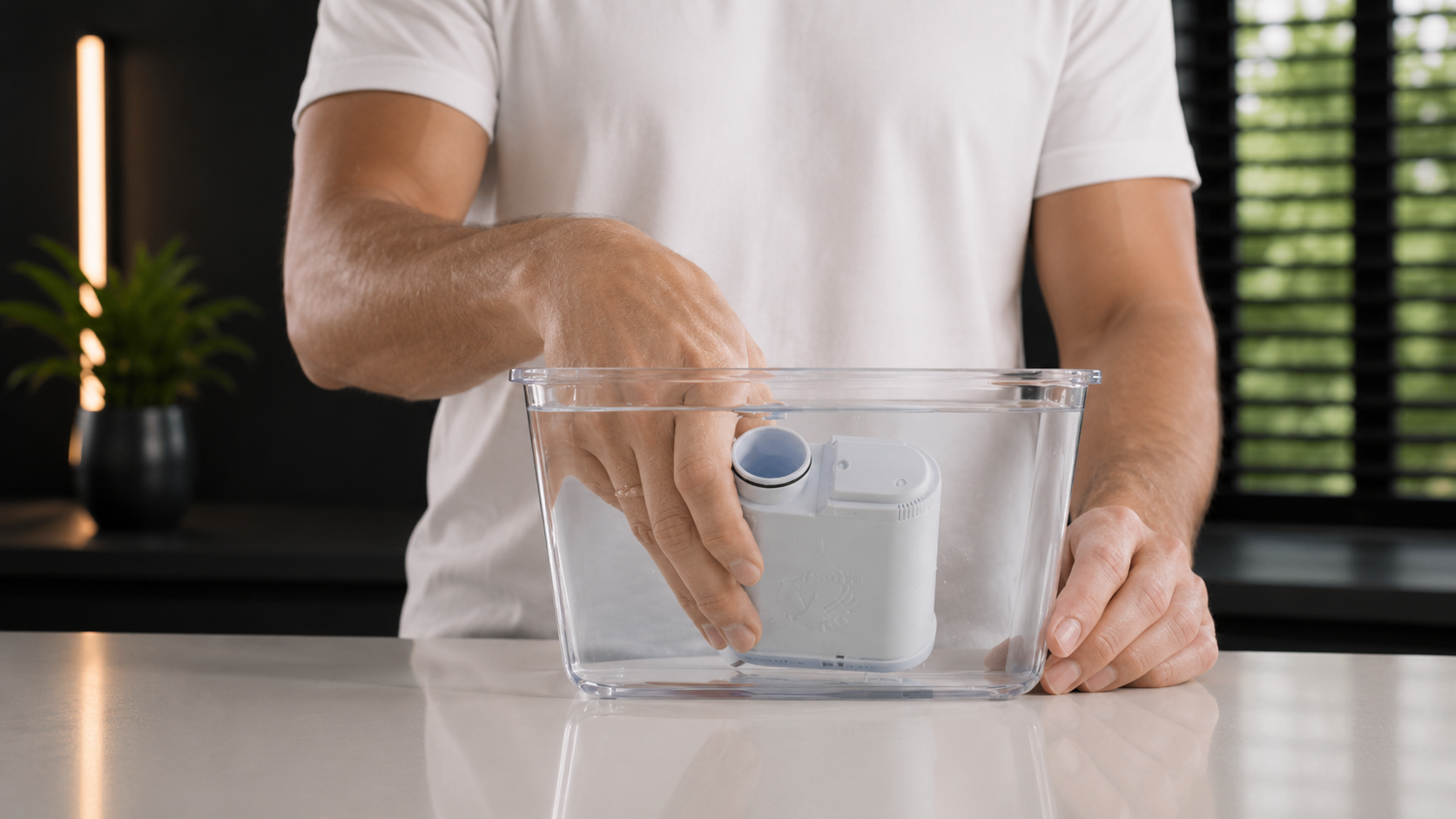
The important preparation step is releasing trapped air before the filter goes into the tank. Keep it submerged until the bubbles stop.
01
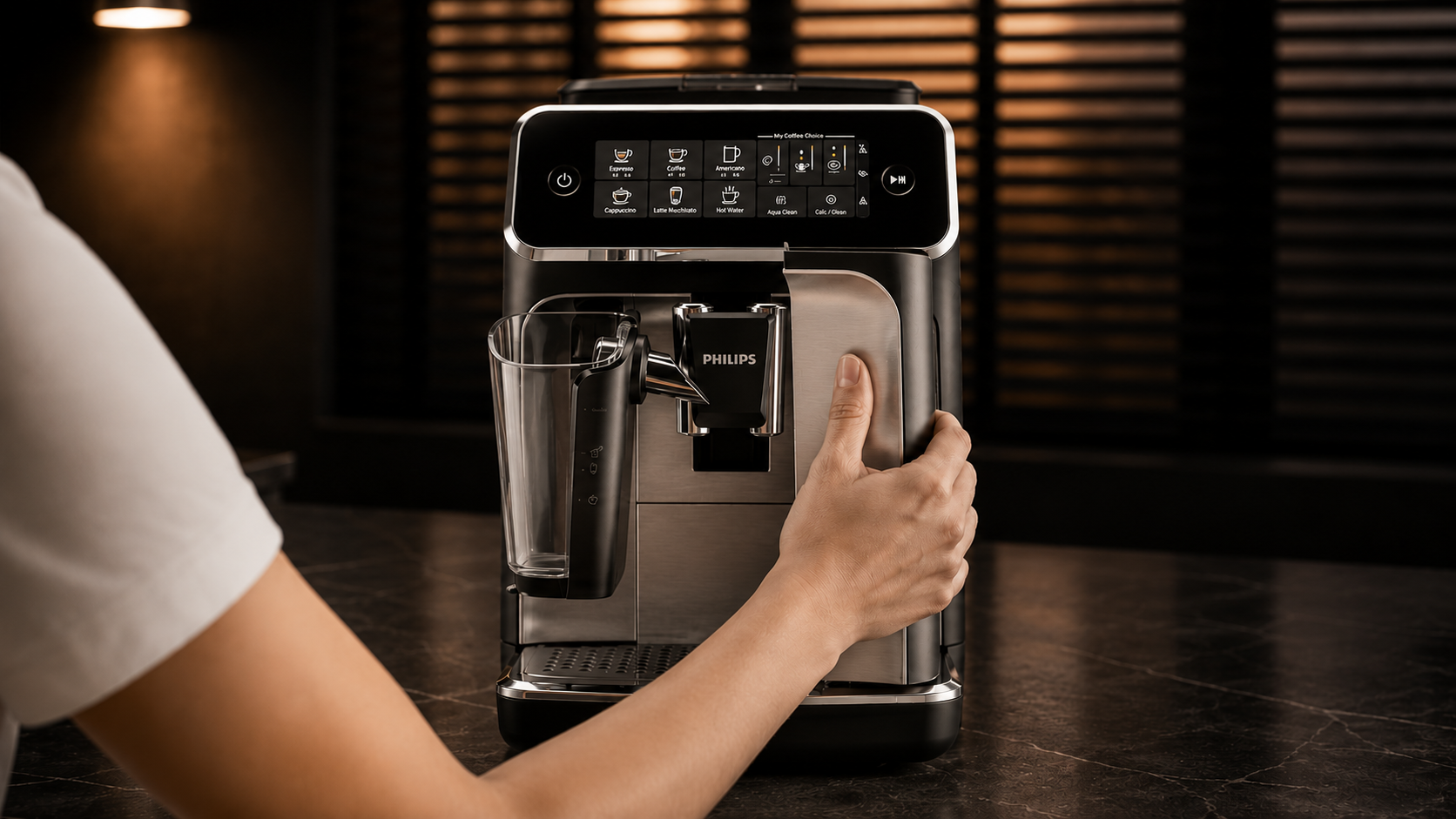
Remove the water tank
Take the tank out of the machine. If an old filter is fitted, pull it vertically from the filter connection.
02
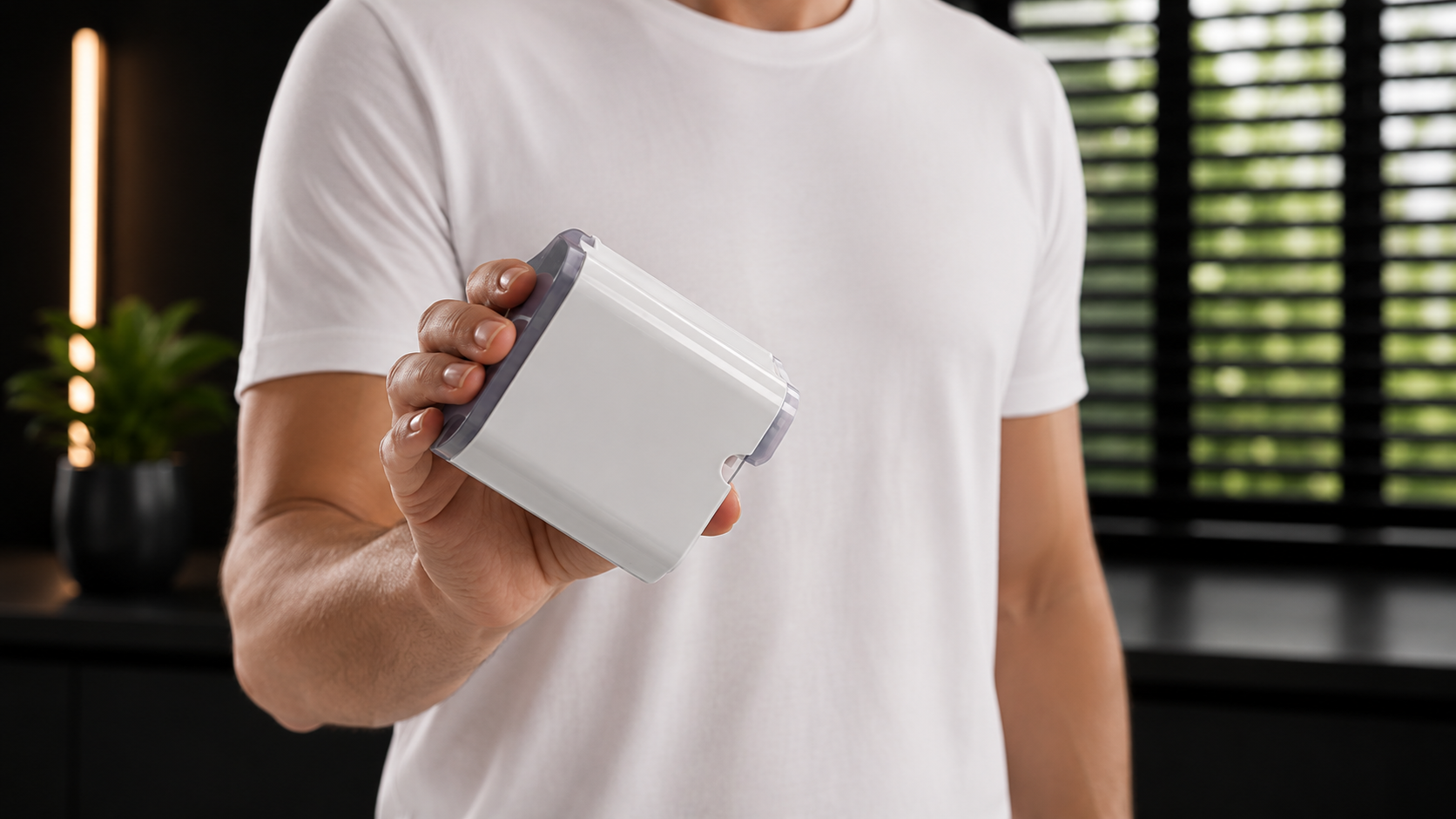
Shake the new filter
Remove the filter from its packaging and shake it for about five seconds before priming.
03
Prime it upside down
Hold the filter upside down in clean cold water and gently shake or press it until no more air bubbles escape.
04
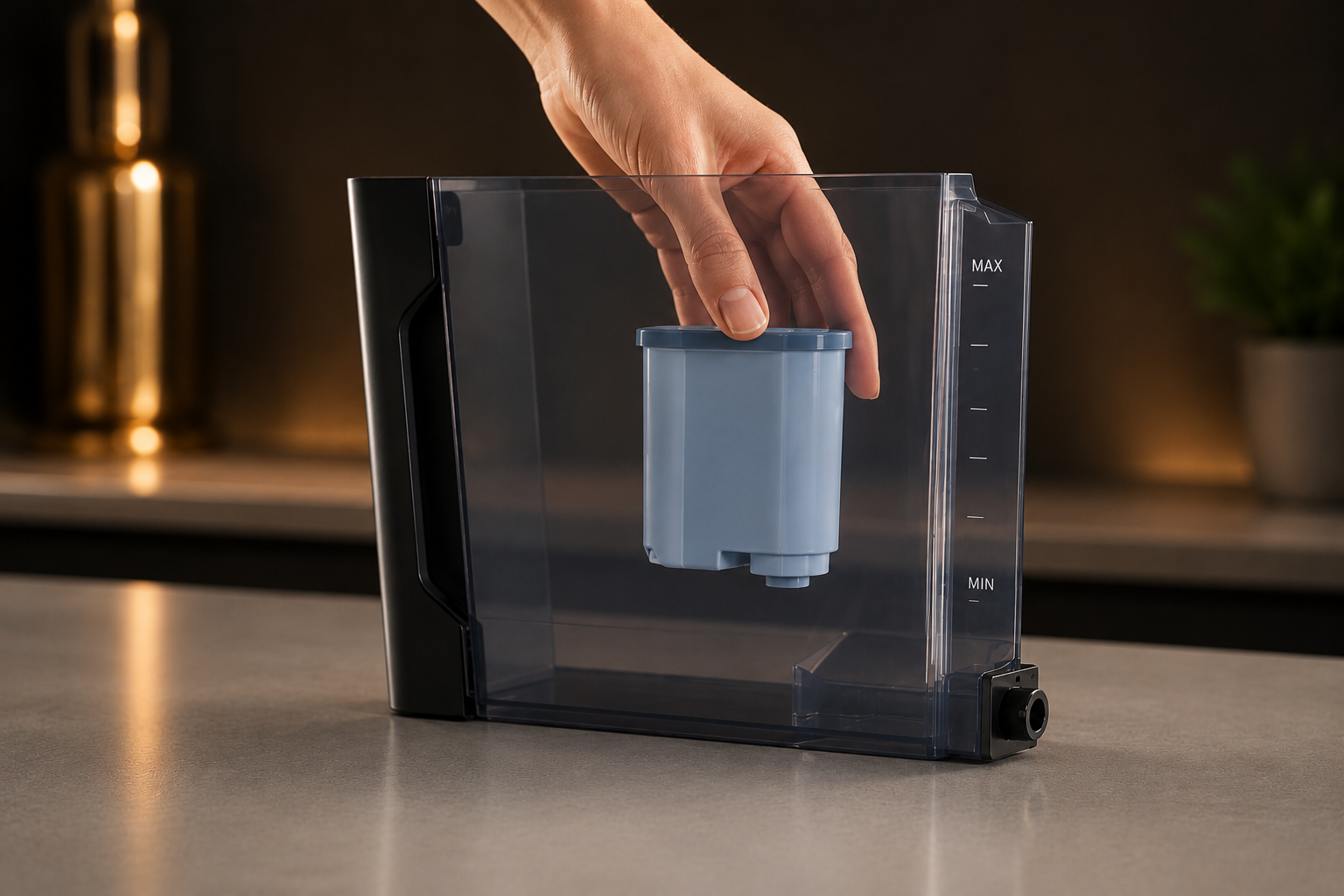
Insert the filter fully
Push it vertically onto the filter connection inside the tank and seat it securely.
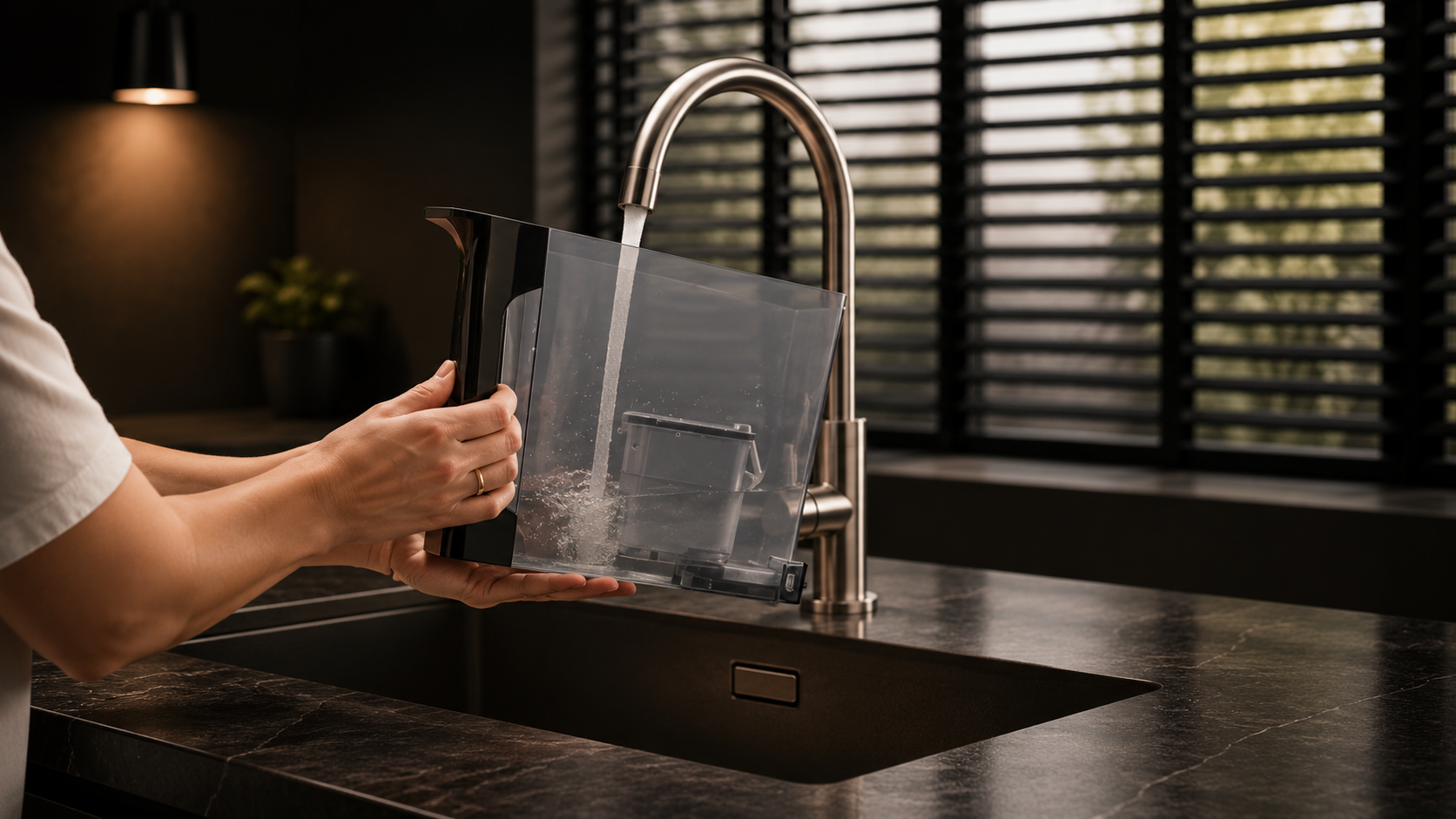
05
Fill the tank to MAX
Refill with fresh cold water and reinstall the tank fully in the machine.
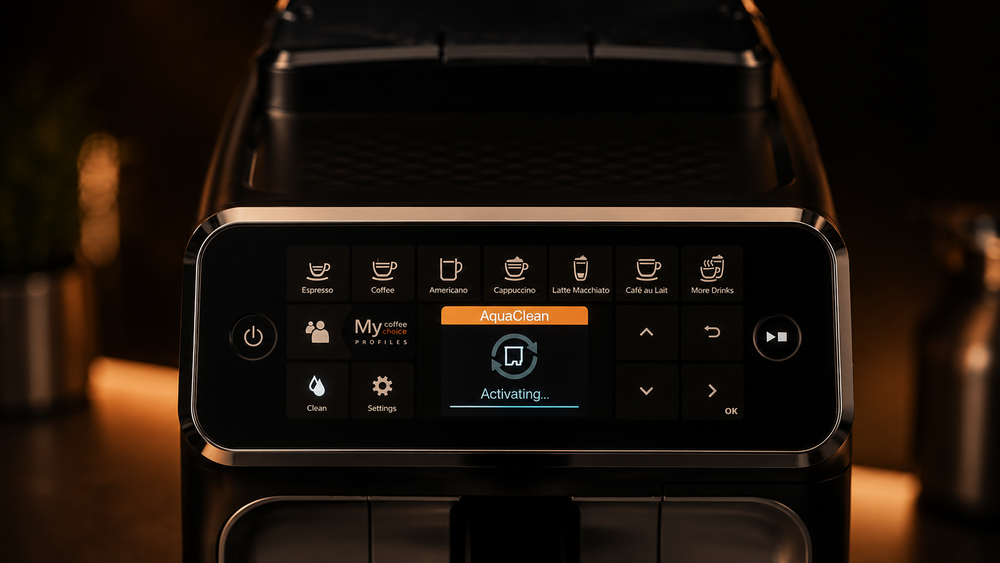
06
Activate the new filter
Use the AquaClean control or machine menu so the machine recognises and begins tracking the new filter.
Activation matters
Installation and activation are two different steps.
If the filter is physically installed but not activated, the machine cannot track it correctly and may continue towards a descale request.
Philips activation reference ↗Use the AquaClean icon.
On supported button-panel machines, hold the AquaClean control until it begins blinking, place a container under the hot-water outlet and start the activation rinse.
Follow the on-screen AquaClean process.
On display models, open AquaClean or machine settings and follow the rinse prompts. Exact wording varies by series.
AquaClean lights
What the indicator is telling you.
The exact display varies by series, but these are the three states most owners need to recognise.
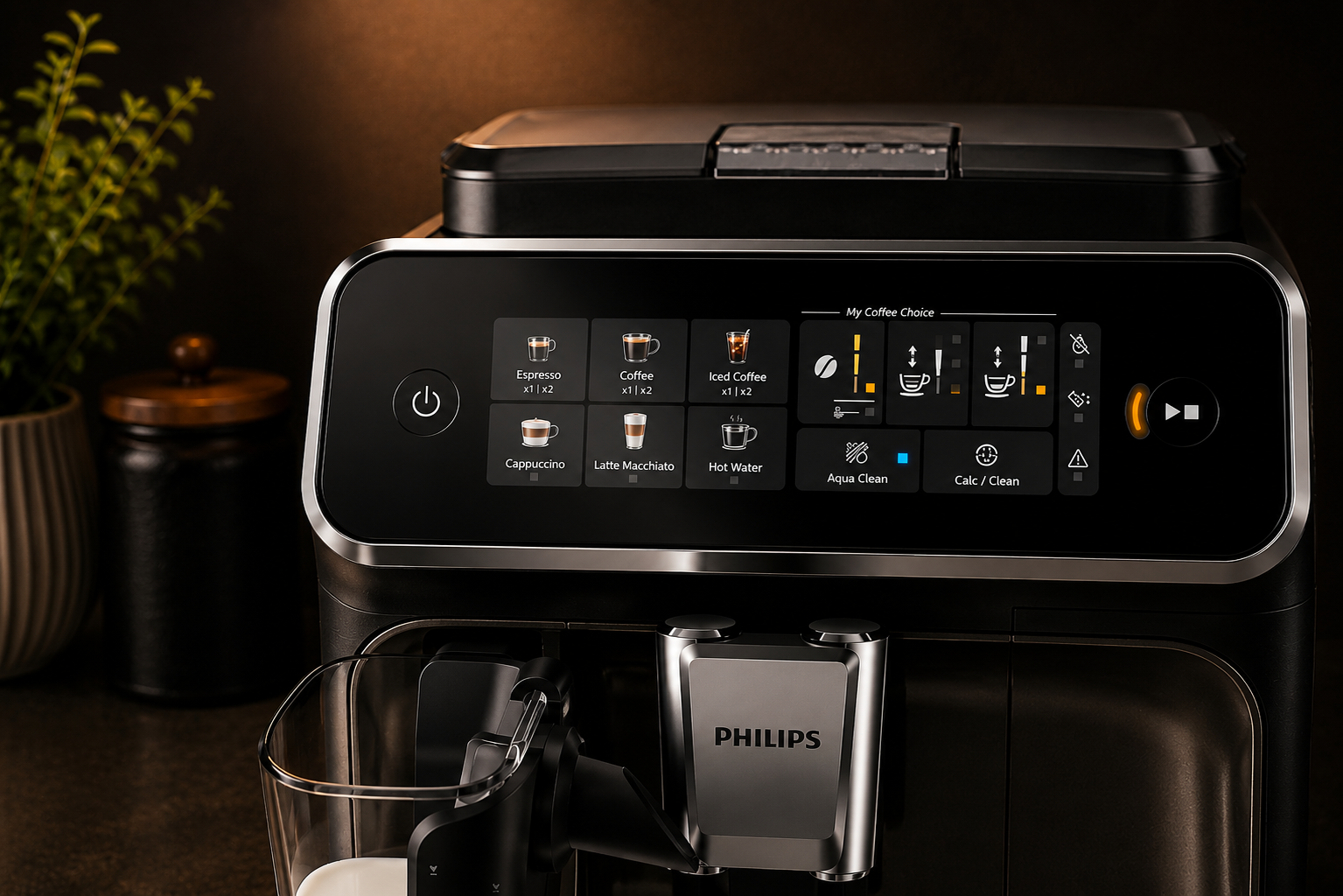
Blue: filter active
The machine has recognised and activated the AquaClean filter. No replacement action is required yet.
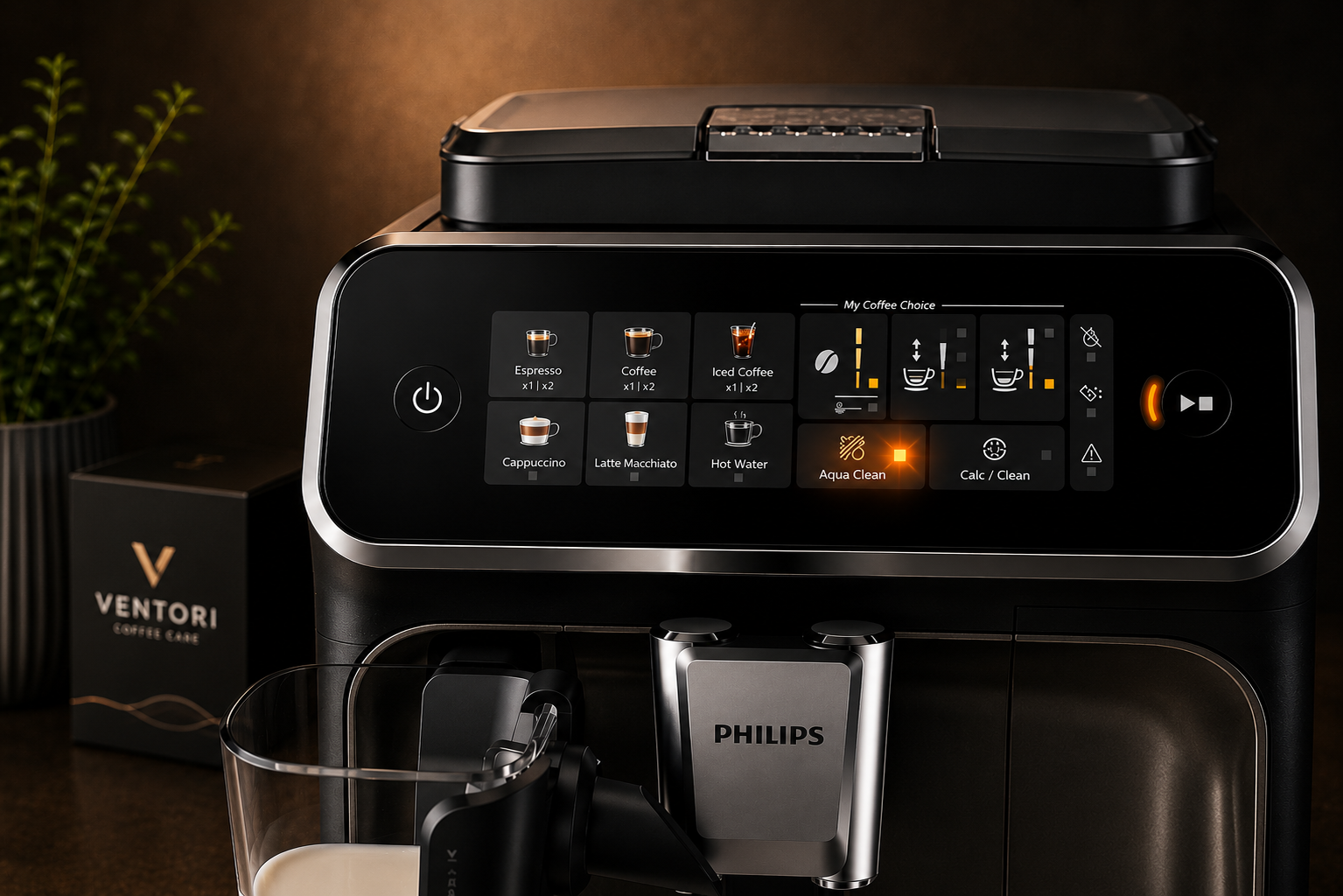
Flashing orange: replace now
Replace the filter and activate the new one while the replacement warning is still active.
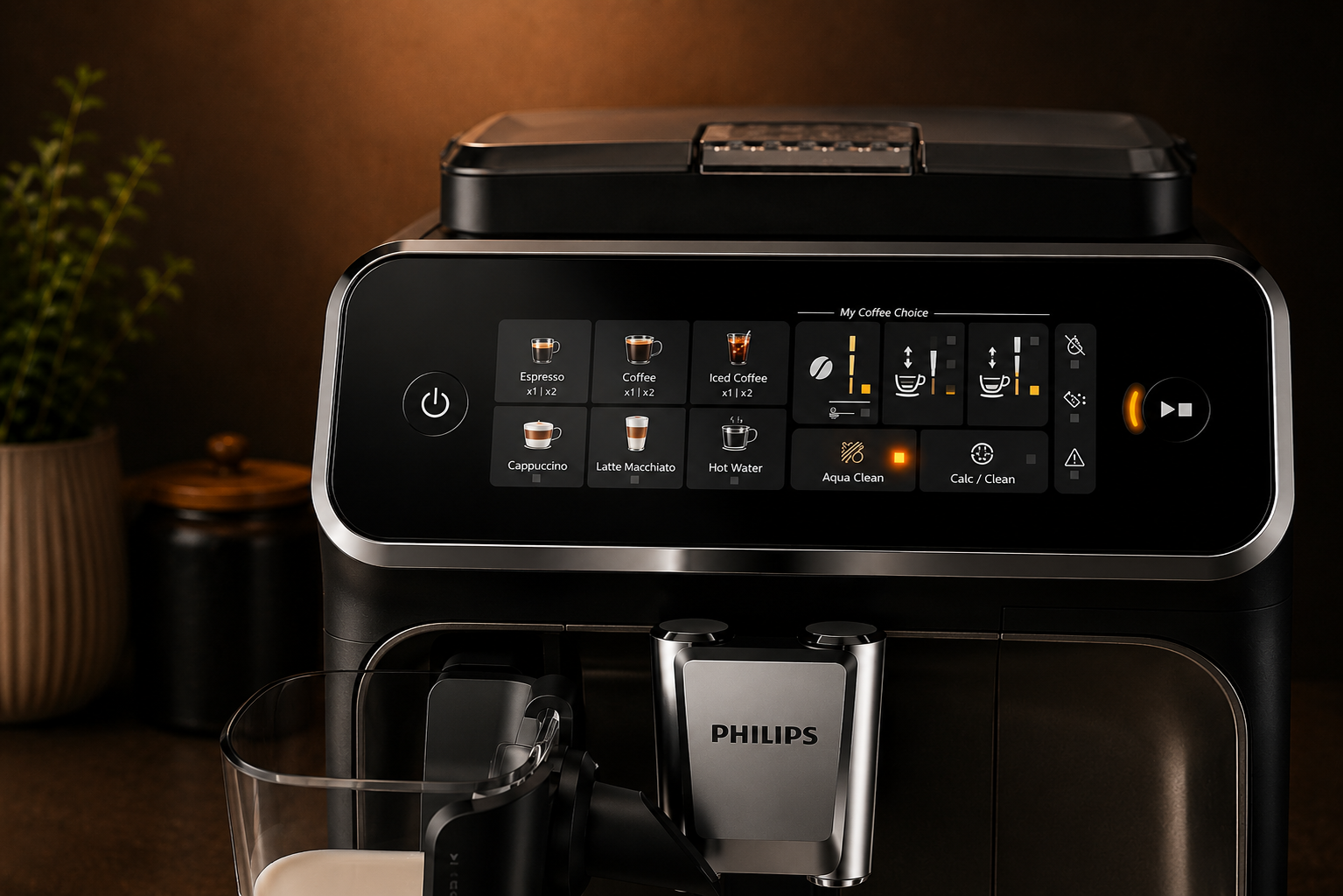
Descale requested
If the replacement window was missed, the machine may require a descale cycle before a new filter can be activated.
Troubleshooting
Common AquaClean problems.
Start with activation and trapped air before assuming there is a machine fault.
The filter is installed but the light is not blue
Recheck that the filter was primed, fully seated and then activated through the AquaClean control or menu.
The machine asks to descale after fitting a filter
The previous replacement may have been missed, the new filter may not have been activated, or the machine may have reached a required descale point after repeated filter cycles.
Water flow is poor after fitting the filter
Air may still be trapped in the filter or water path. Re-prime the filter and follow the model's hot-water or priming procedure.
The AquaClean light is flashing orange
Replace the filter promptly and activate the replacement. If the warning window is missed, descaling may be required first.
AquaClean vs descaling
They do different jobs.
AquaClean filter
- Filters incoming water
- Reduces new scale formation
- Needs timely replacement and activation
- Can extend the interval before descaling
Descaling
- Removes mineral deposits already inside the machine
- Is still eventually required
- Should be run when the machine asks for it
- Requires removing the AquaClean filter during the cycle
AquaClean by model
Use the controls for your Philips series.
Filter preparation is similar across the range, but the button sequence and menu flow can differ.
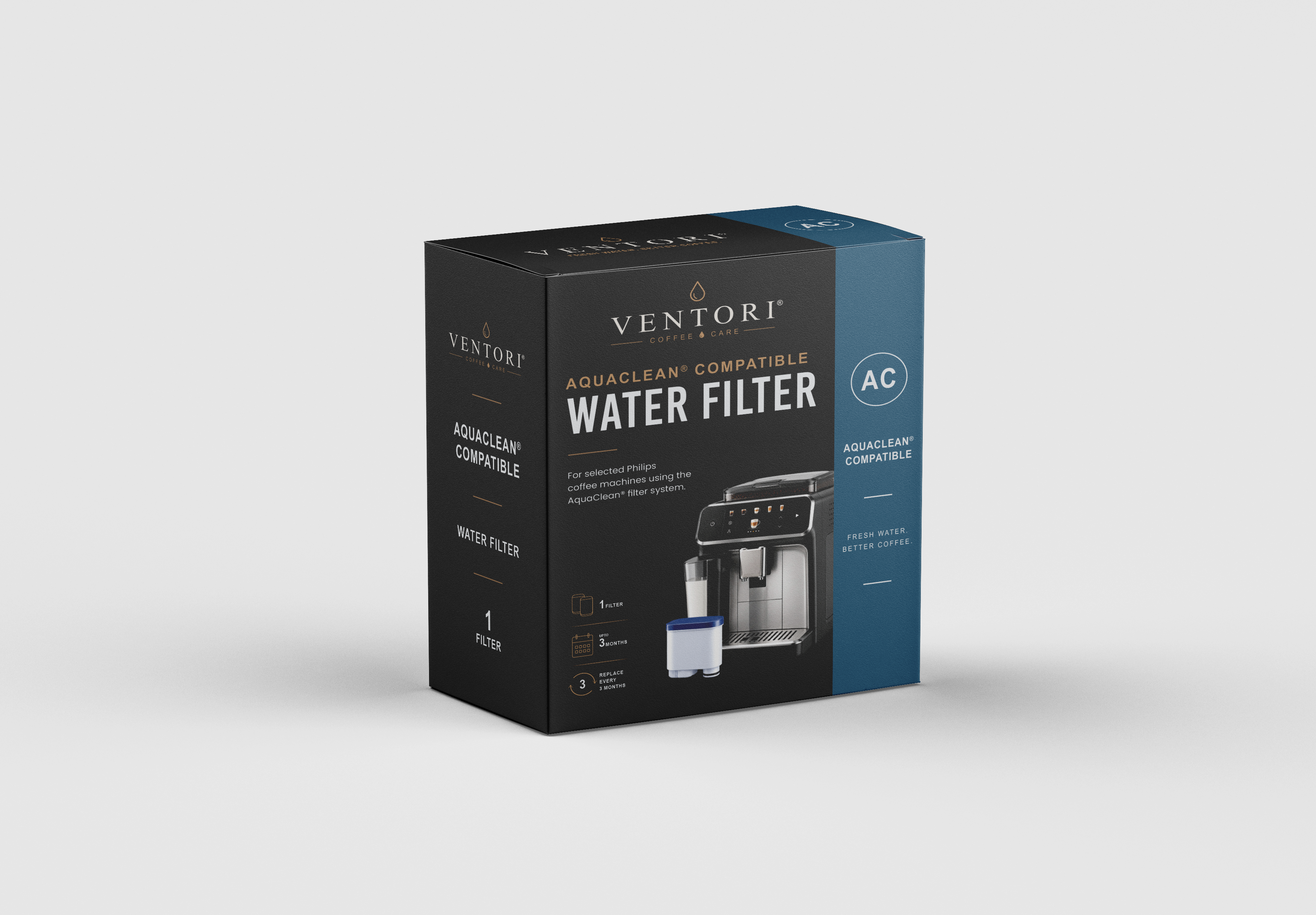
VENTORI FILTER · COMING SOON
Ventori AquaClean-compatible filter twin pack.
A Ventori replacement-filter option for compatible Philips AquaClean systems is in development. Until the final product is live, this guide remains product-neutral and focused on the machine procedure.
Philips AquaClean questions
Useful answers before you start.
How long does a Philips AquaClean filter last?
Use the machine prompt as the main cue and replace the filter at least every three months. Philips also states up to 625 cups per filter under its stated test conditions; actual life varies with use.
Why is my AquaClean light flashing orange?
A flashing orange AquaClean indicator means the filter needs to be replaced and the new filter activated. Replacing it while the warning is still flashing can avoid an immediate descale requirement.
Do I still need to descale if I use AquaClean?
Eventually, yes. AquaClean reduces scale formation and can greatly extend the interval, but it does not remove scale that is already present and the machine can still request descaling.
Why will the new filter not activate?
Check that it was shaken, primed until the bubbles stopped, fully inserted, the tank filled with fresh water and the activation routine completed on the machine.
Can I use the machine without an AquaClean filter?
Yes. If AquaClean is not active, follow the machine setup, water-hardness setting and descaling prompts for unfiltered use.
VENTORI CARE SCHEDULE
Keep filter changes and descaling easier to remember.
Build a free schedule around your Philips machine, local water and typical use, alongside the machine's own prompts.