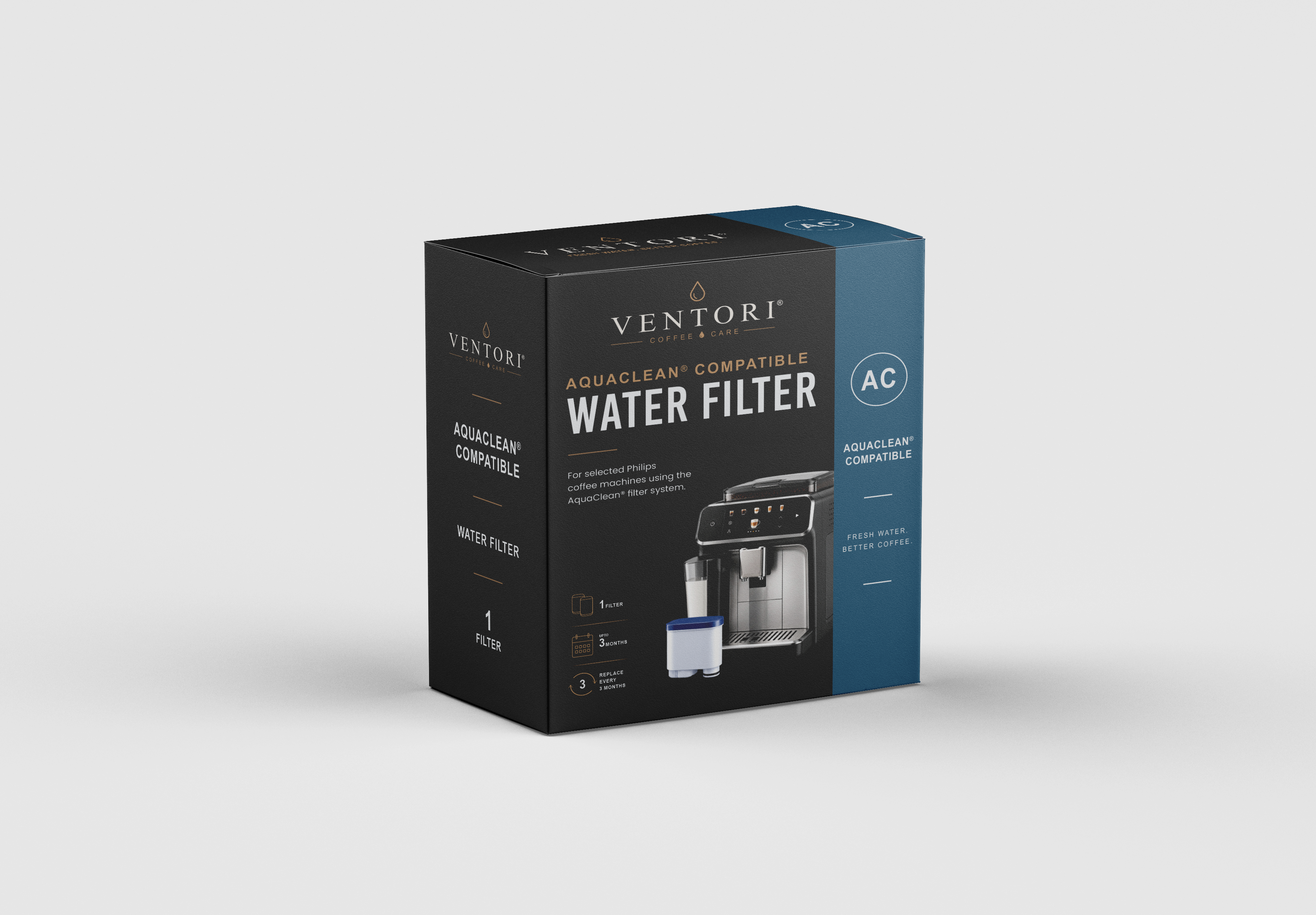
Machine guides / Philips / 2200
Philips 2200 Series
Philips 2200 maintenance, made easier to follow.
Use the schedule for the overview, then follow the illustrated steps or quick videos when it is time to carry out the job.
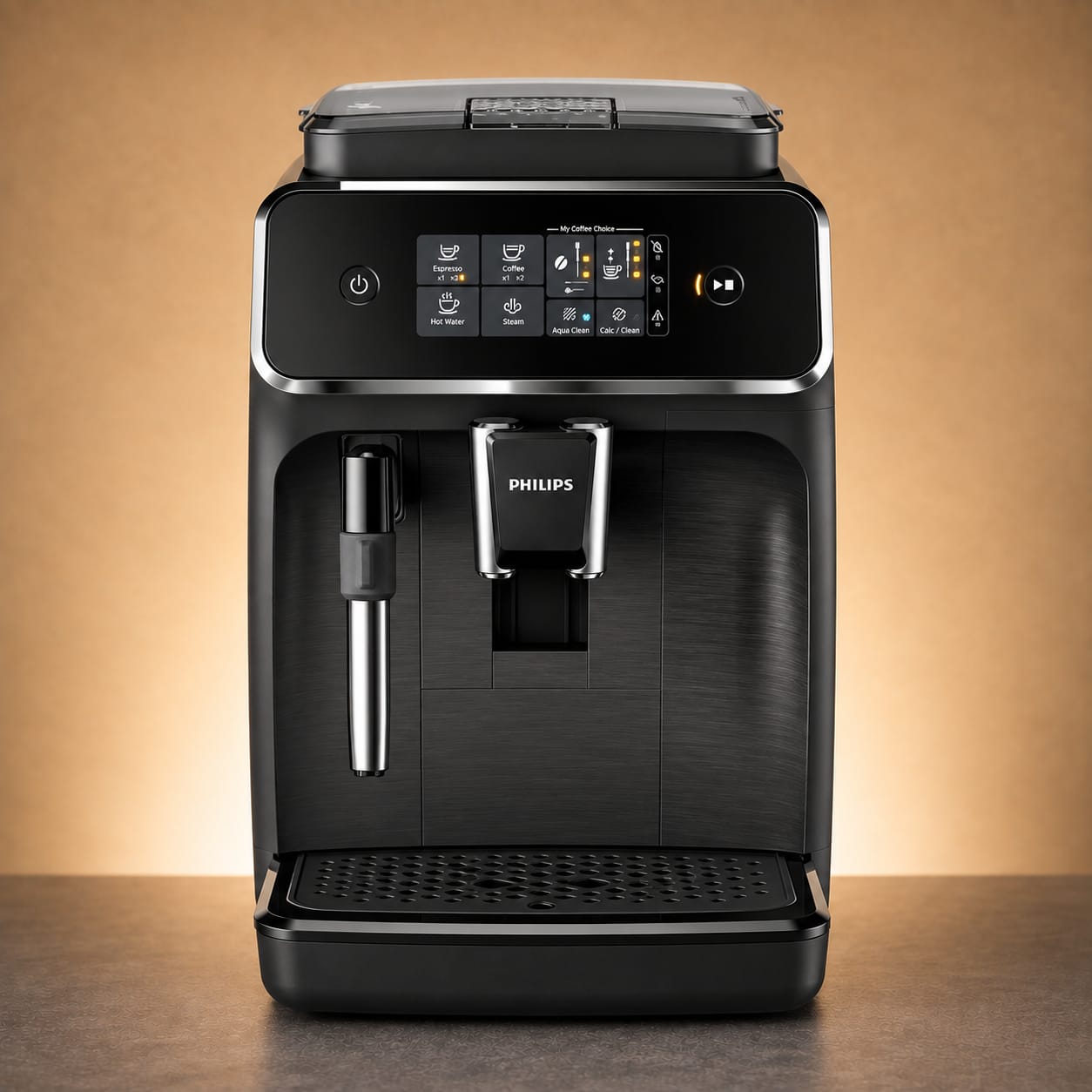



Quick video guides
Watch the job before you start it.
Three short guides cover the most common Philips 2200 maintenance tasks.
How to remove and clean the brew group
How to activate AquaClean
Maintenance schedule
The useful baseline.
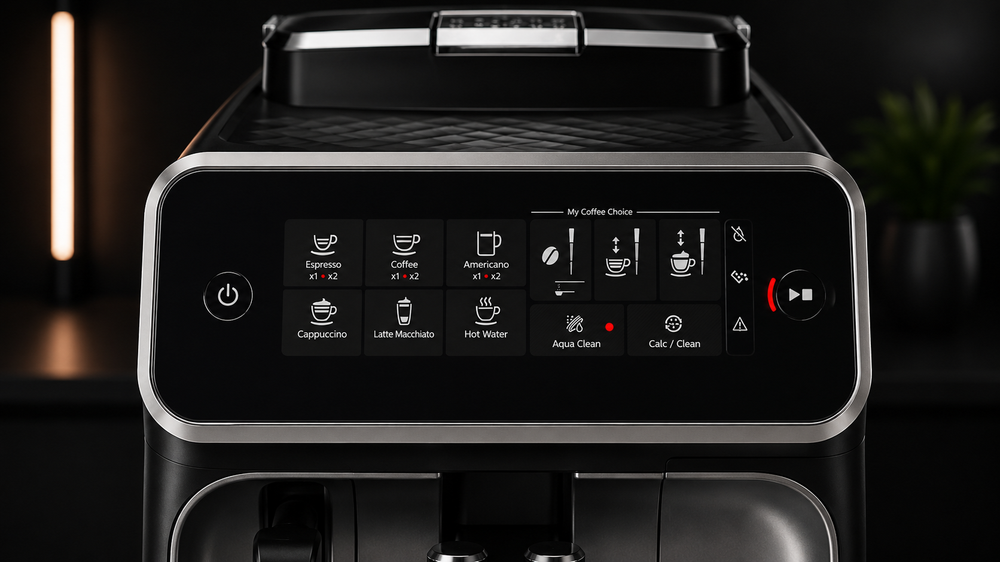
The 2200 uses dedicated touch controls for several maintenance jobs, so the Calc/Clean and AquaClean indicators matter more than a generic fixed timetable.
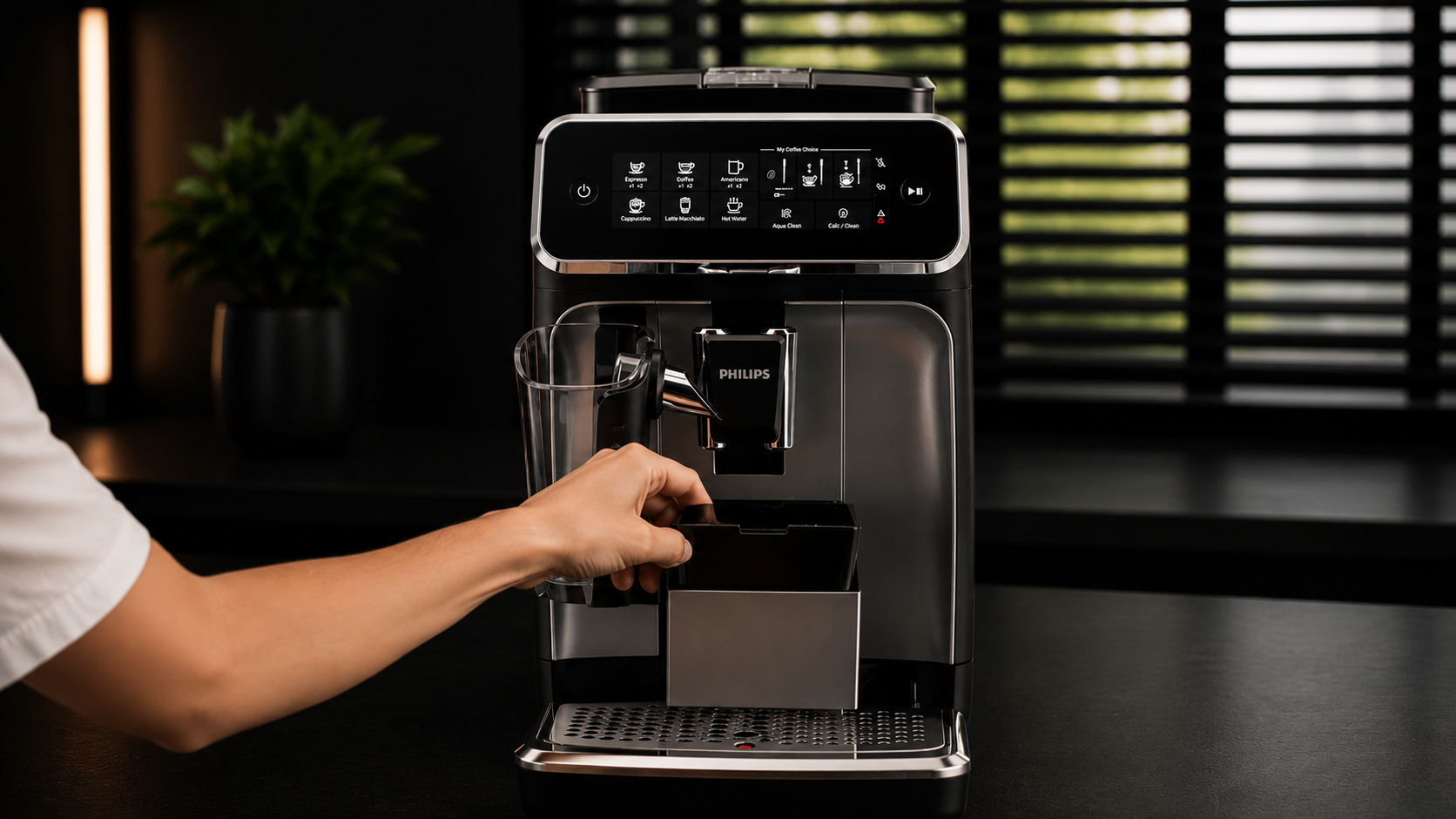 Daily / prompted
Drip tray & grounds
Empty as needed and keep both areas clean.
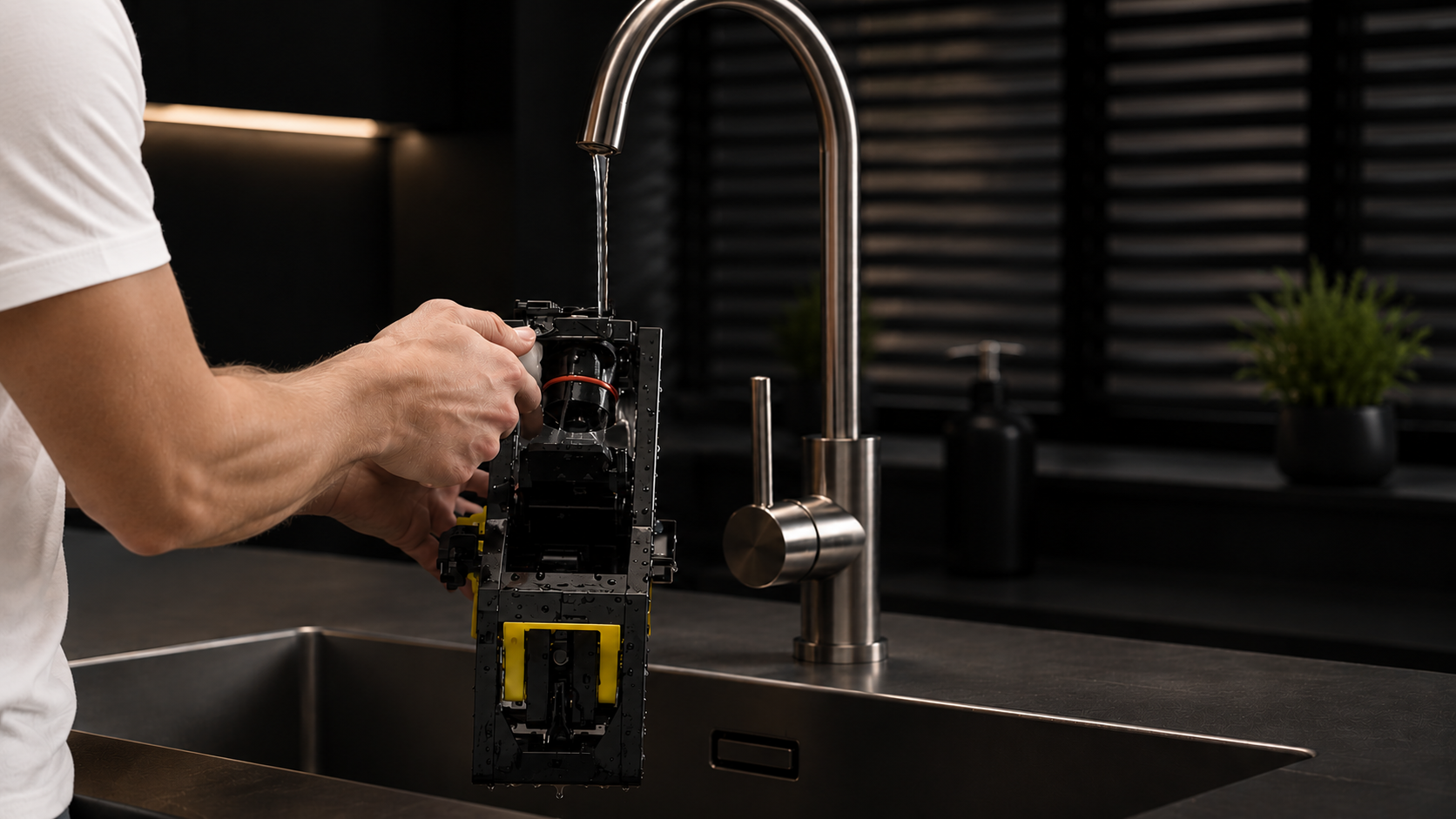 Weekly
Brew group
Remove, rinse with lukewarm water and let it dry.
 Monthly
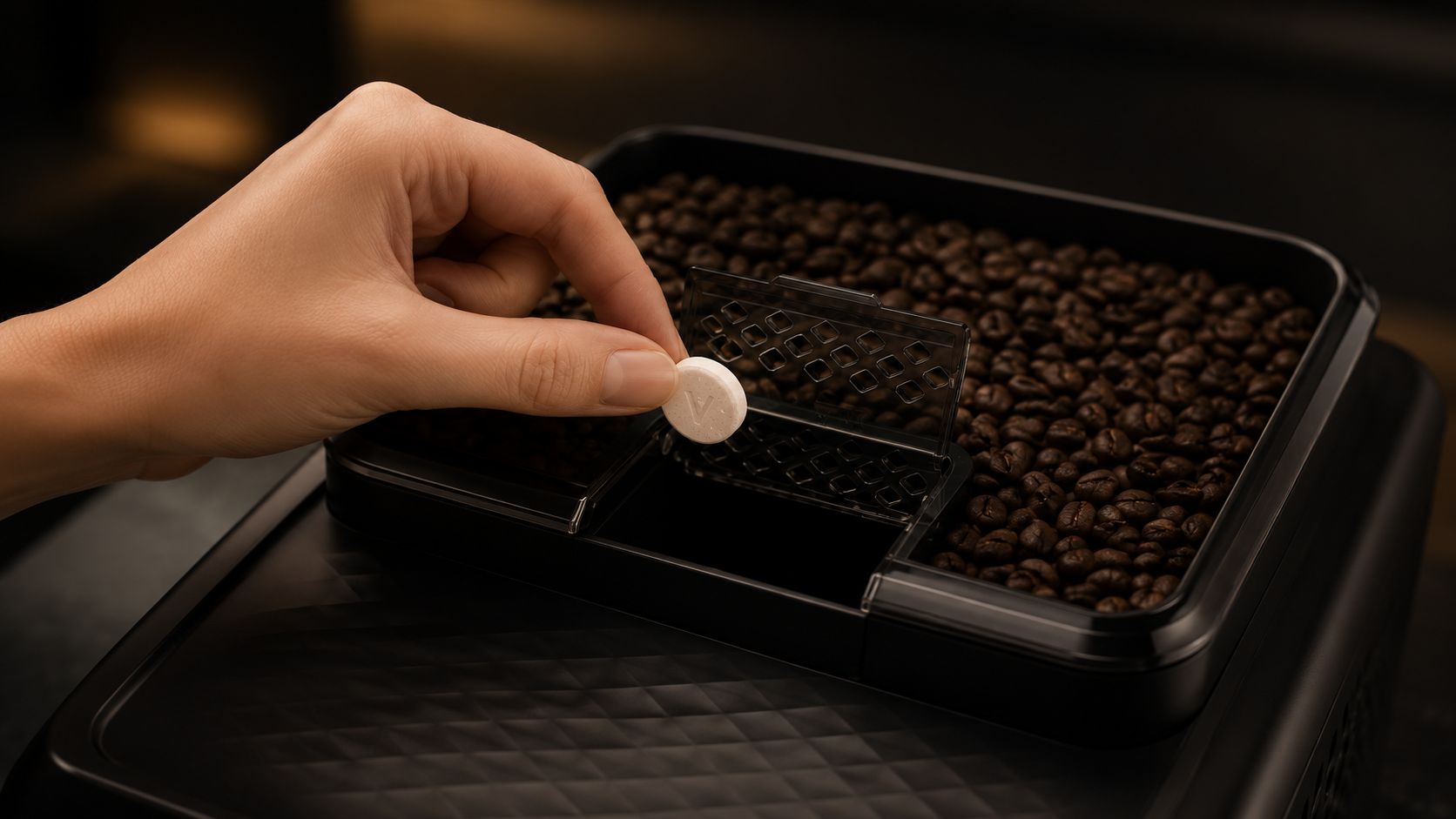
Coffee-oil clean
Clean the brew-group filter using the pre-ground coffee procedure.
 By usage
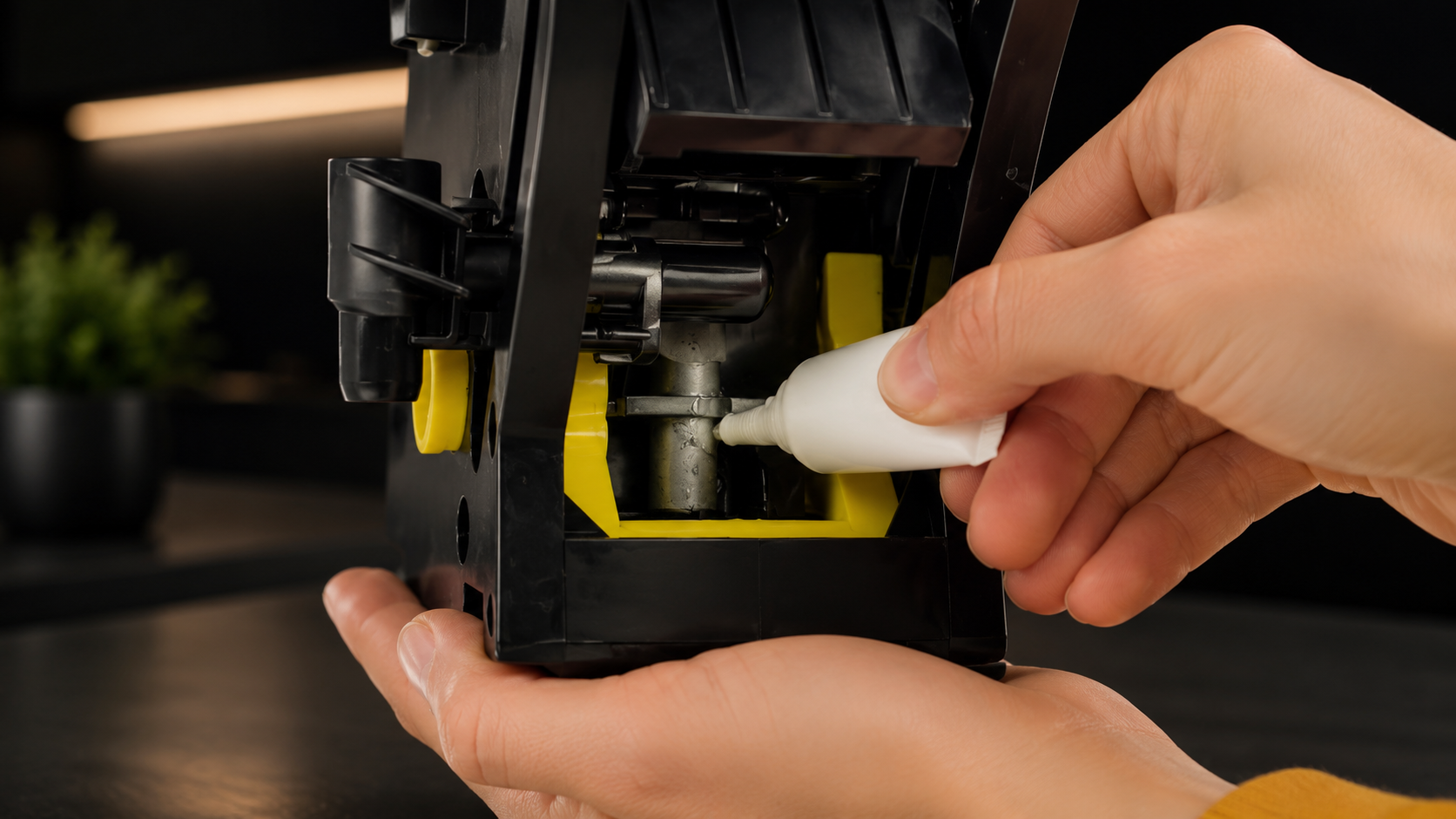
Lubrication
Lubricate more often when the machine is used heavily.
 When prompted
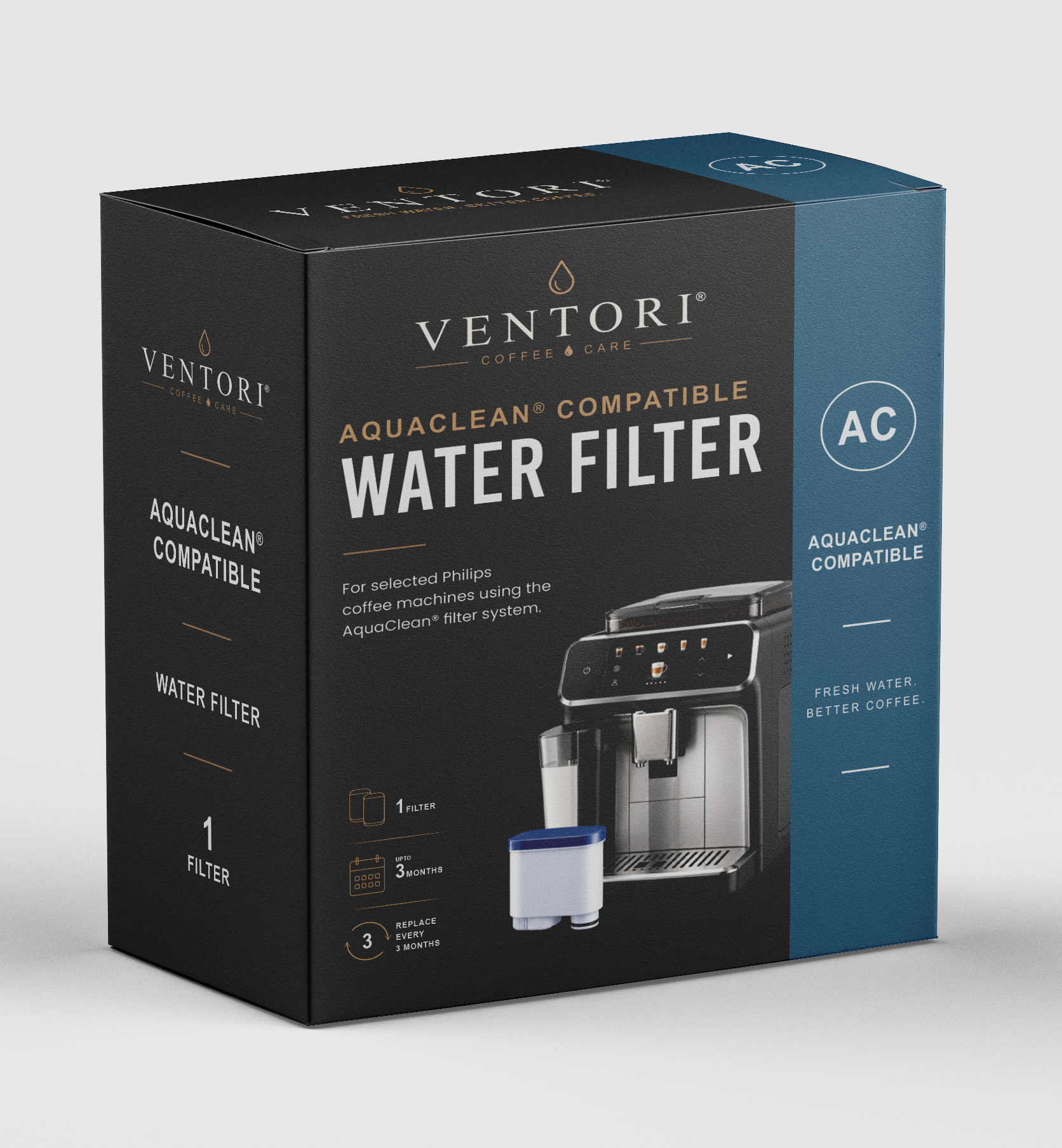
AquaClean
Replace and activate the new filter in the machine.
 When prompted
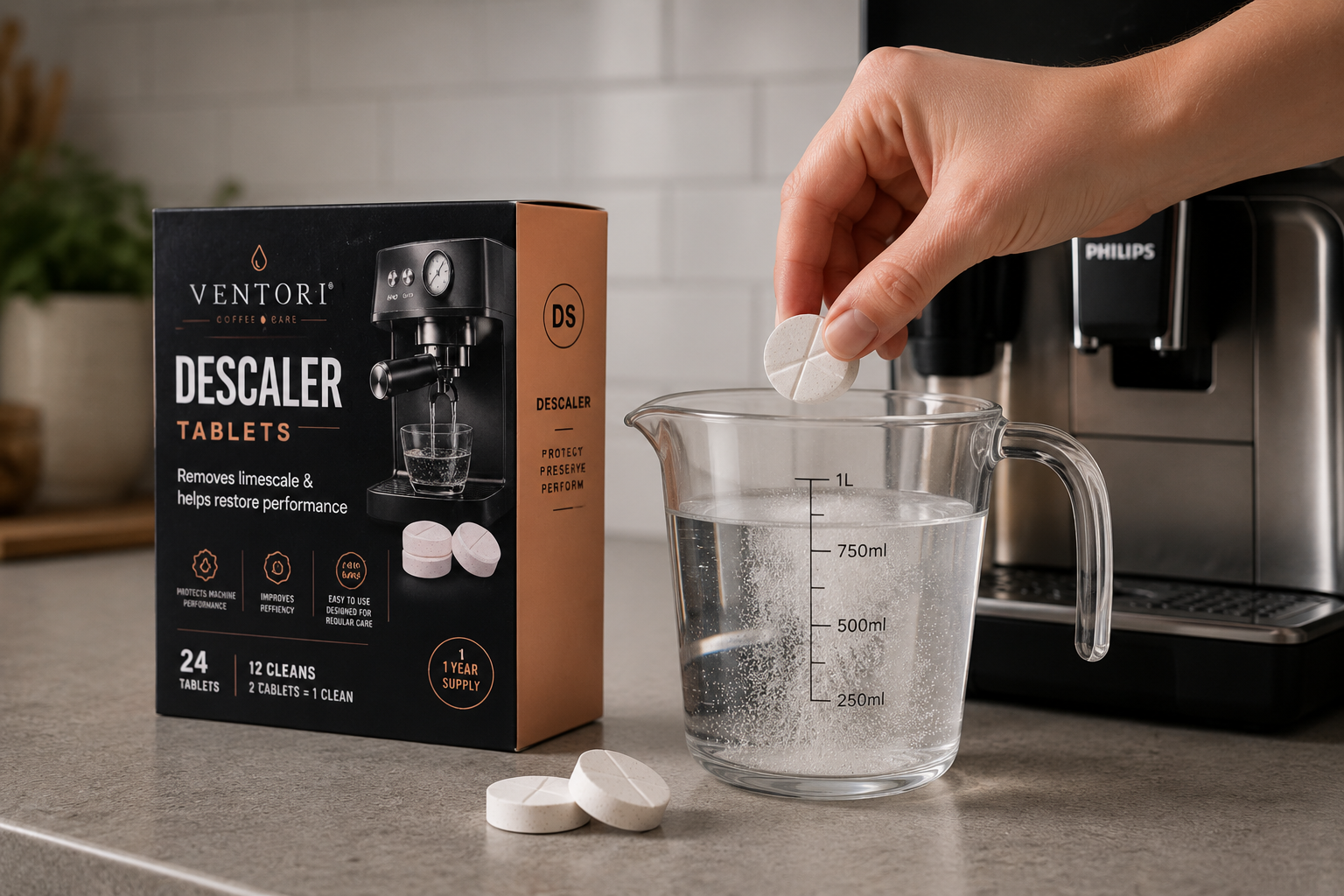
Descaling
Hold Calc/Clean for 3 seconds, then use Start/Stop and complete the full rinse.
Personalise this schedule
Track this machine in Ventori Care ↗Want Ventori to remember the Philips 2200 maintenance rhythm for you?
Your machine is already selected. Add your local water hardness and typical use to build a personalised Care Schedule without choosing the manufacturer or model again.
Weekly care
Clean the Philips 2200 brew group.
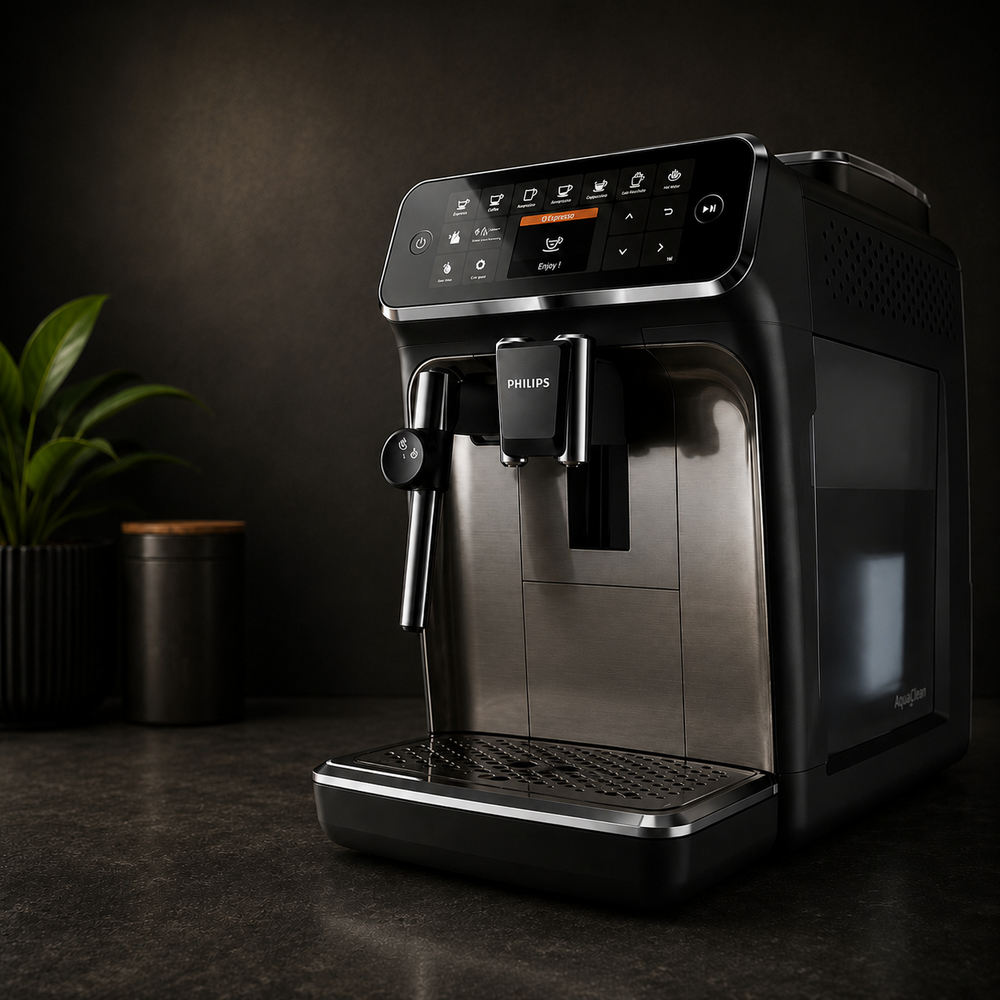
01
Switch the machine off
Use the normal power control and let the shutdown cycle finish.
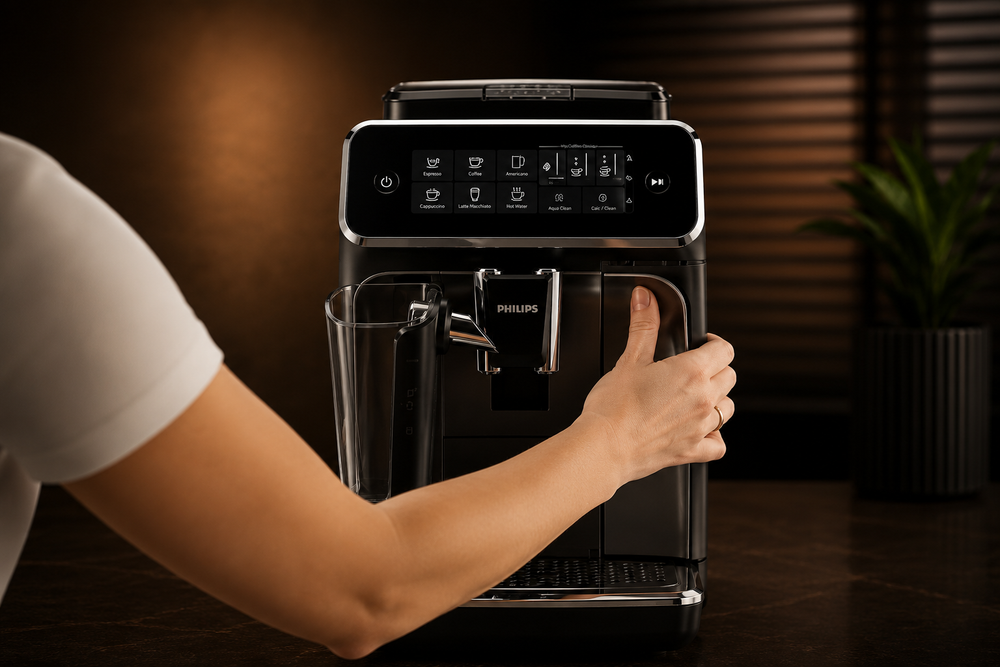
02
Remove the water tank
Remove the tank so the service area is accessible.
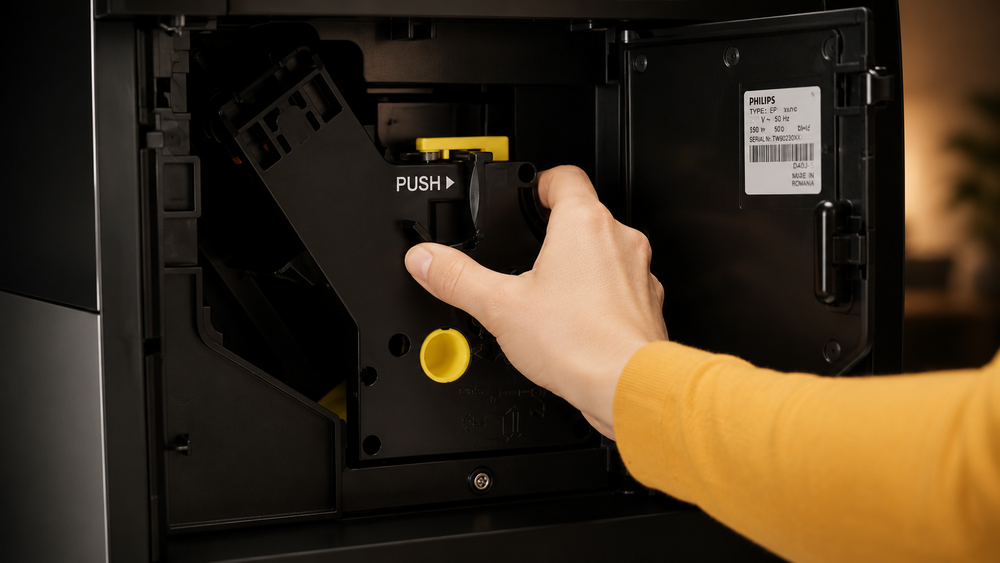
03
Remove the brew group
Open the service door, press PUSH and pull the brew group out carefully.
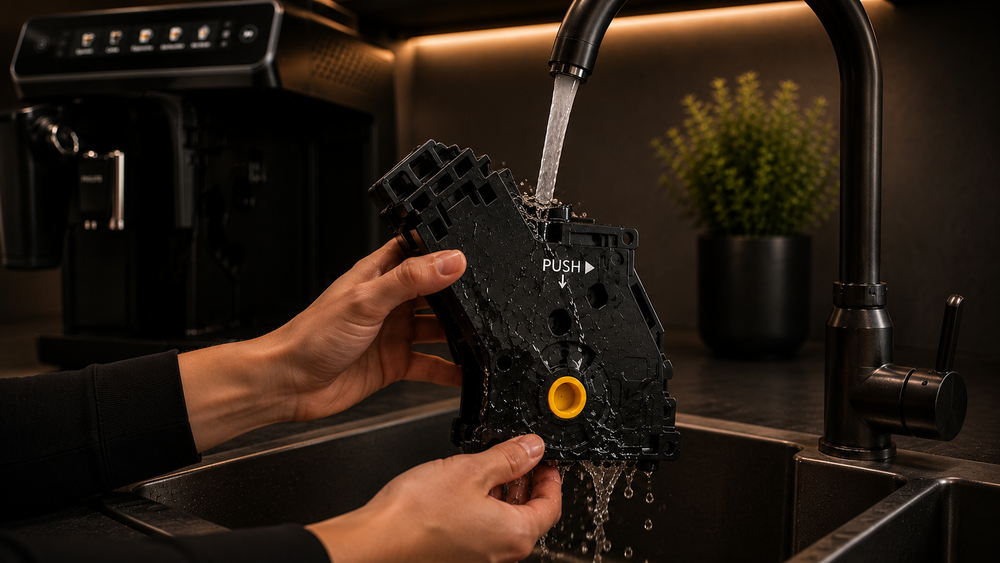
04
Rinse thoroughly
Use lukewarm water and clear visible coffee residue. Do not use washing-up liquid.
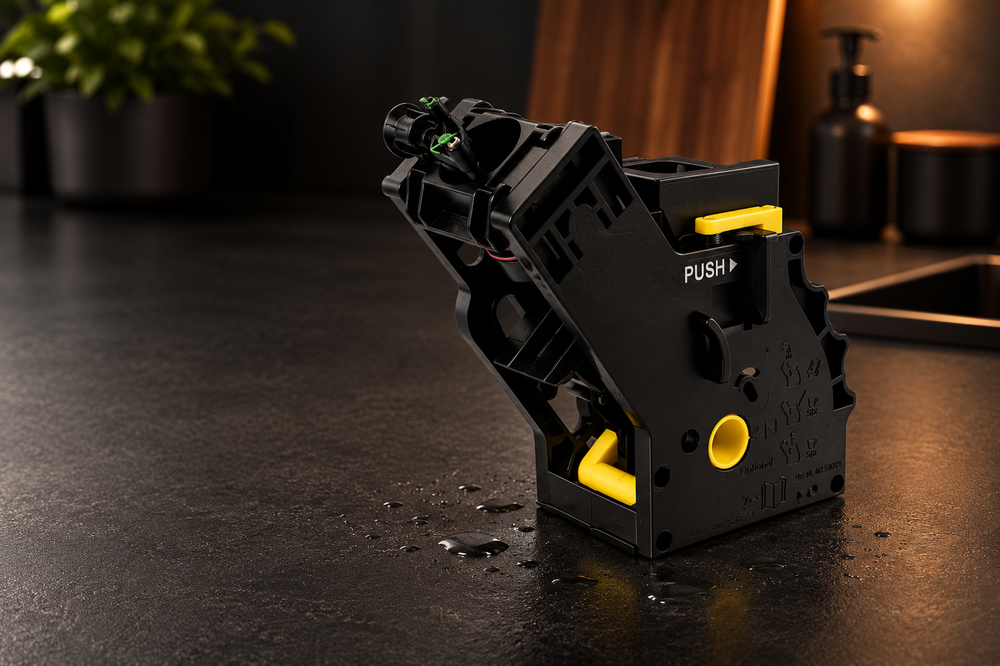
05
Let it air-dry
Drain excess water and let the brew group dry naturally.
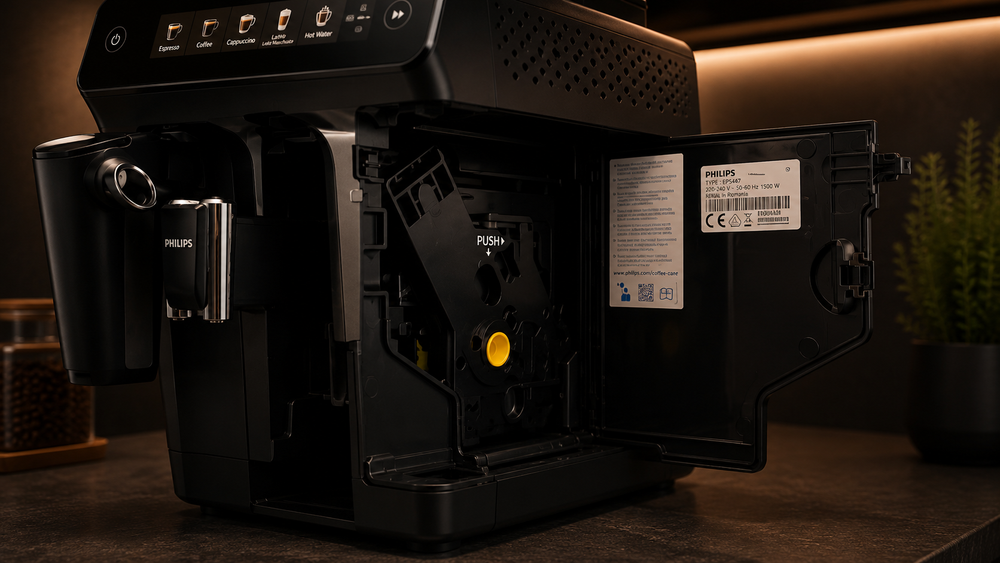
06
Reinstall
Slide the brew group back in securely, close the service door and refit the tank.
If the brew group will not release, do not force it. Let the machine complete a normal power cycle, then try again.
Water filtration
Replace and activate AquaClean.
Installing the filter physically is only half the job — the machine also needs to know the new filter is fitted.
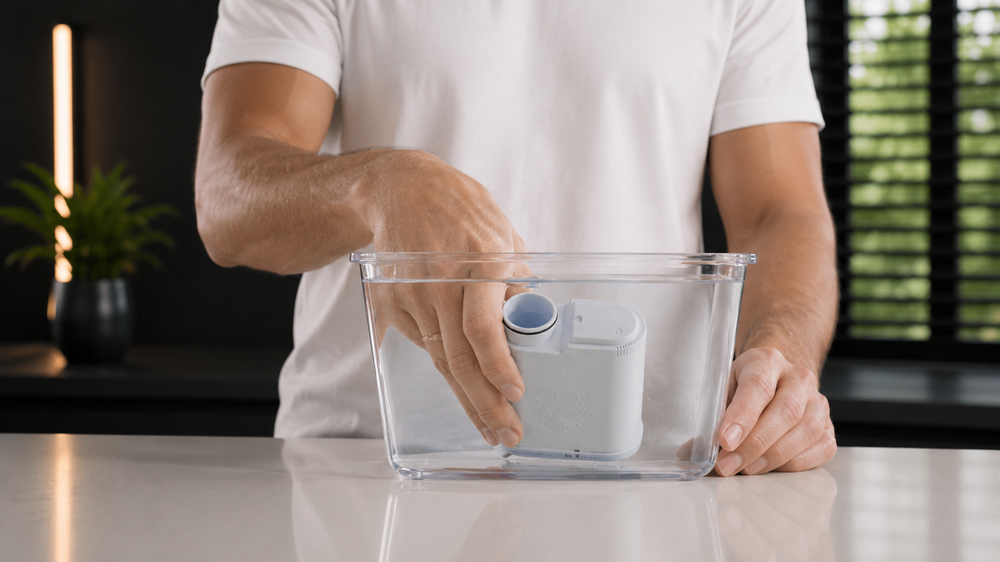
01
Prepare the new filter
Shake it for about 5 seconds, then prime it upside down in cold water until the bubbles stop.
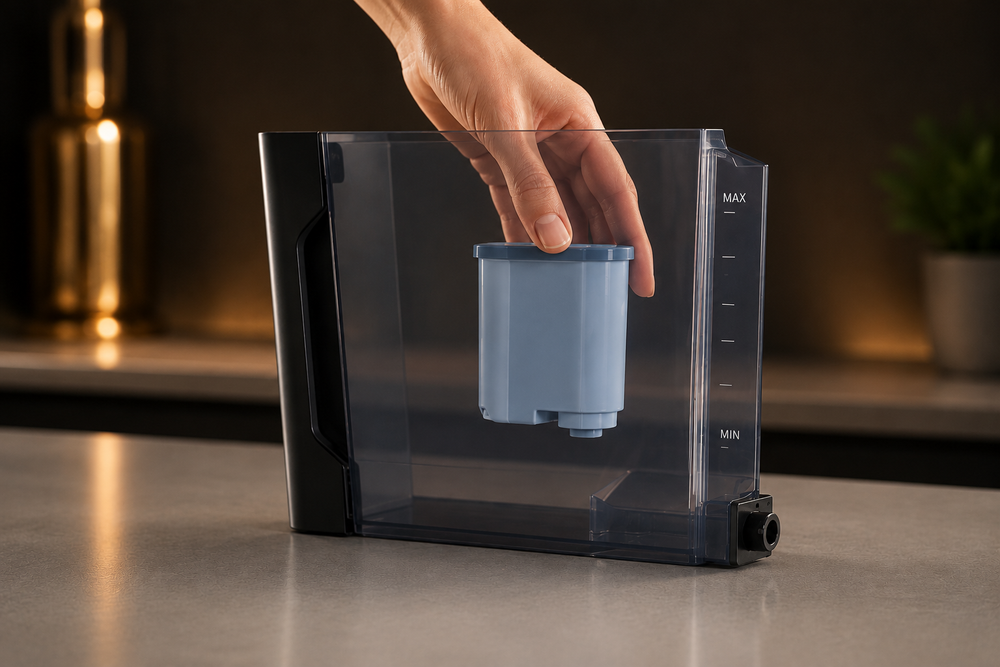
02
Install it in the tank
Push the filter firmly onto the tank connection and refill with fresh water.
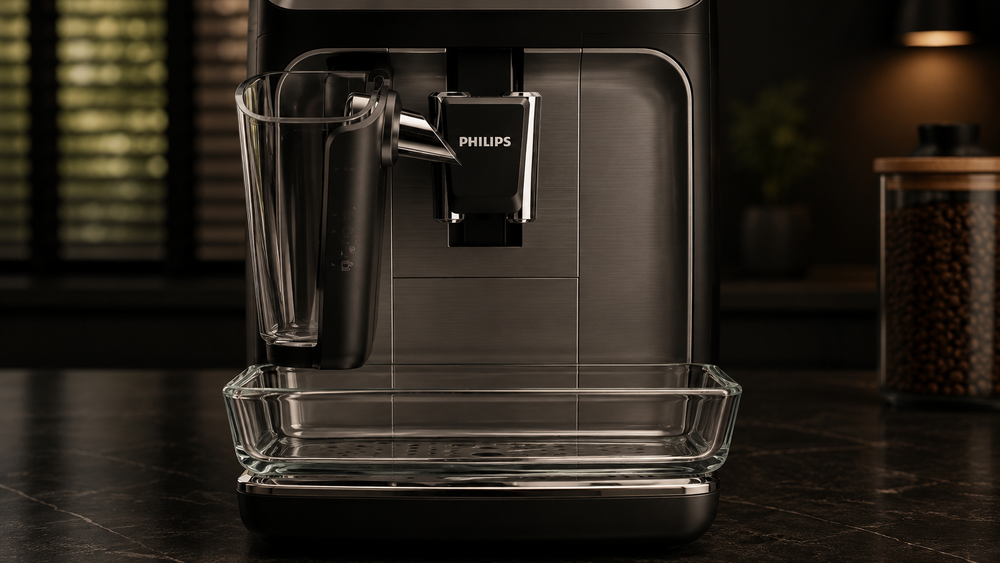
03
Prepare the outlet
Place a suitable container under the hot-water outlet or frother before activation.
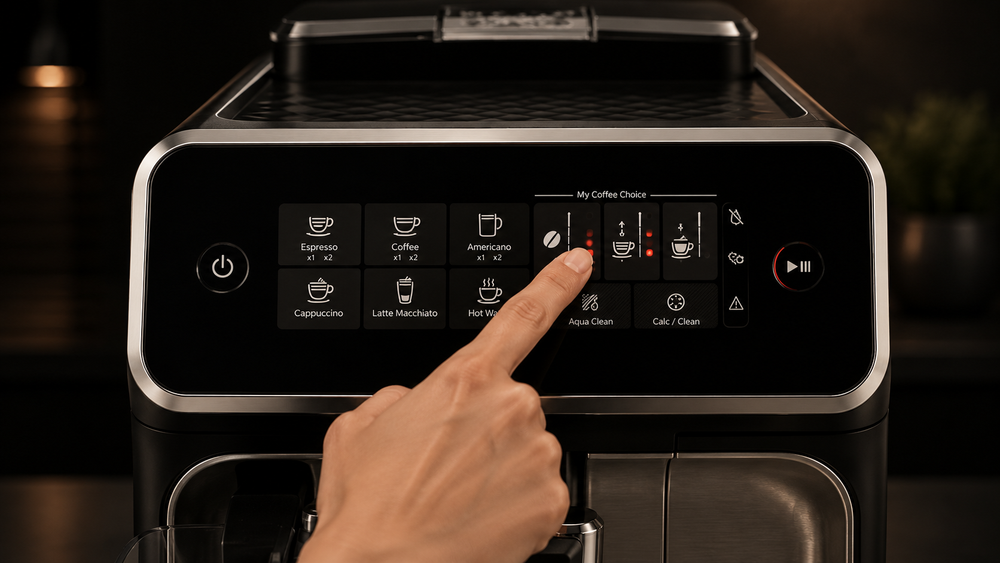
04
Activate AquaClean
Hold the AquaClean control as instructed, then start the activation rinse.
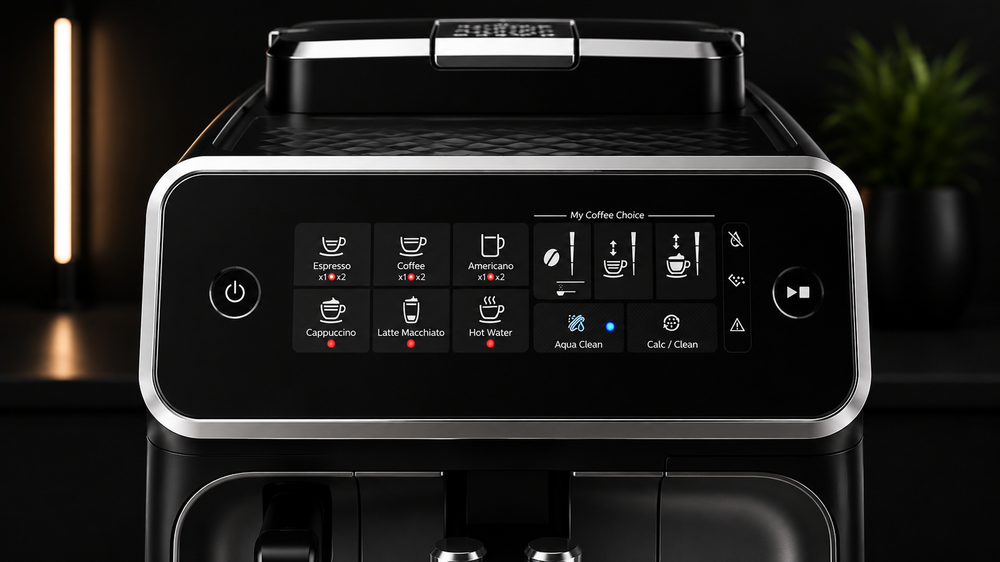
05
Let activation complete
Allow the programmed water flow to finish and check the filter indicator is active.
If the machine requires descaling before it will accept a new filter, complete the descale cycle first.
Calc / Clean descaling
Descale the Philips 2200.
For the 2200 interface, hold Calc/Clean for 3 seconds, then press Start/Stop and let both the descale and rinse phases finish.
01
Prepare the machine
Empty and refit the drip tray, remove the milk parts if fitted, and remove AquaClean.
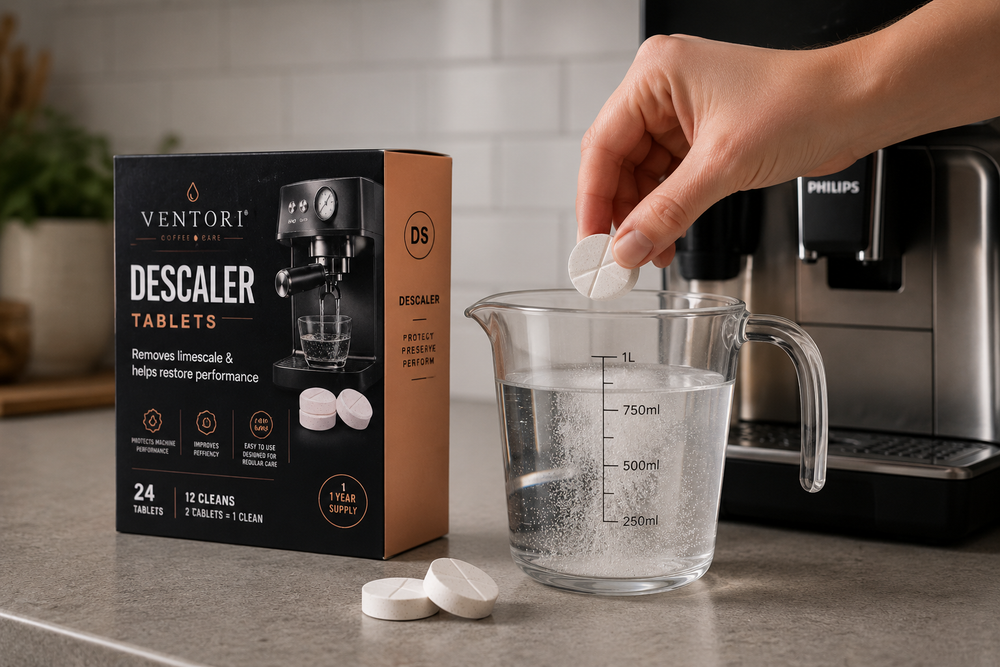
02
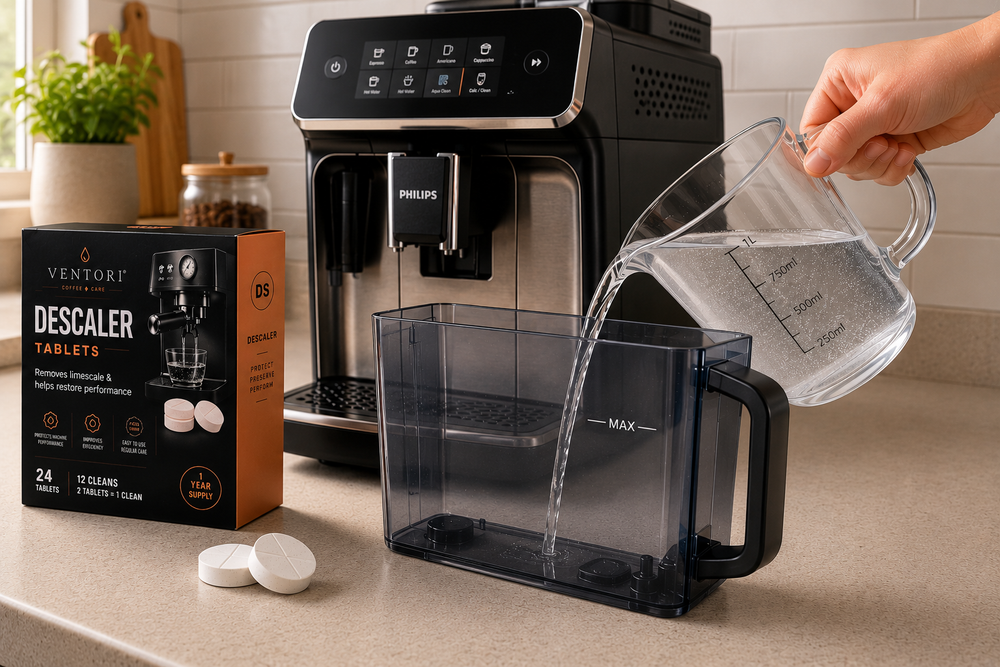
Prepare the solution
Prepare descaler according to its instructions and fill the tank to the Calc/Clean level required.
03
Place a large container
Use a container of at least 1.5 litres under the coffee and water outlets.
04
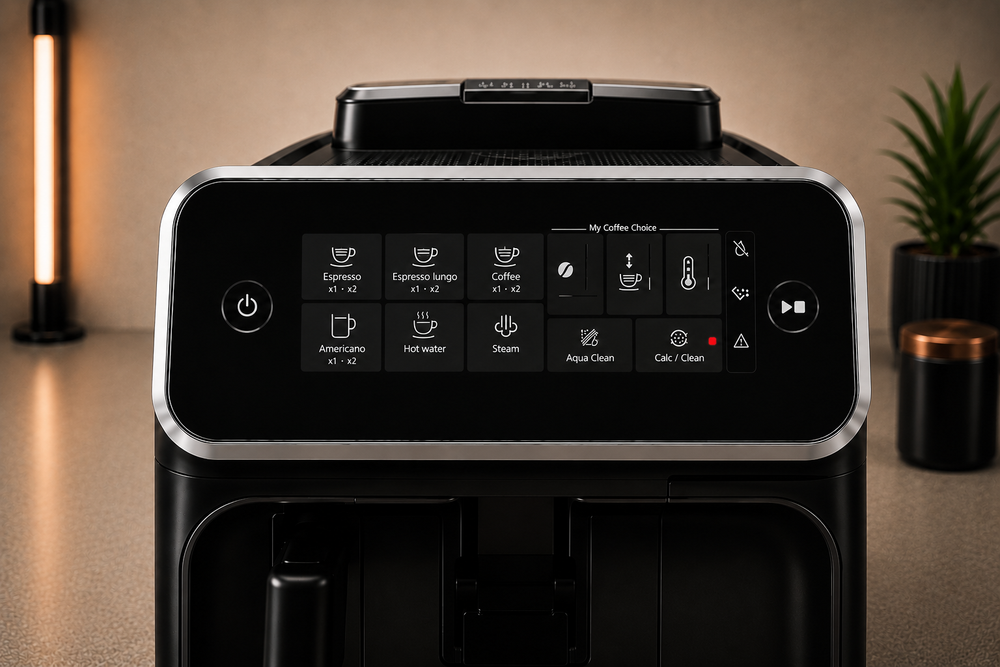
Enter descaling mode
Switch on, hold Calc/Clean for 3 seconds, then press Start/Stop.
05
Run the descale phase
Let the programmed descale phase finish without interrupting it.
06
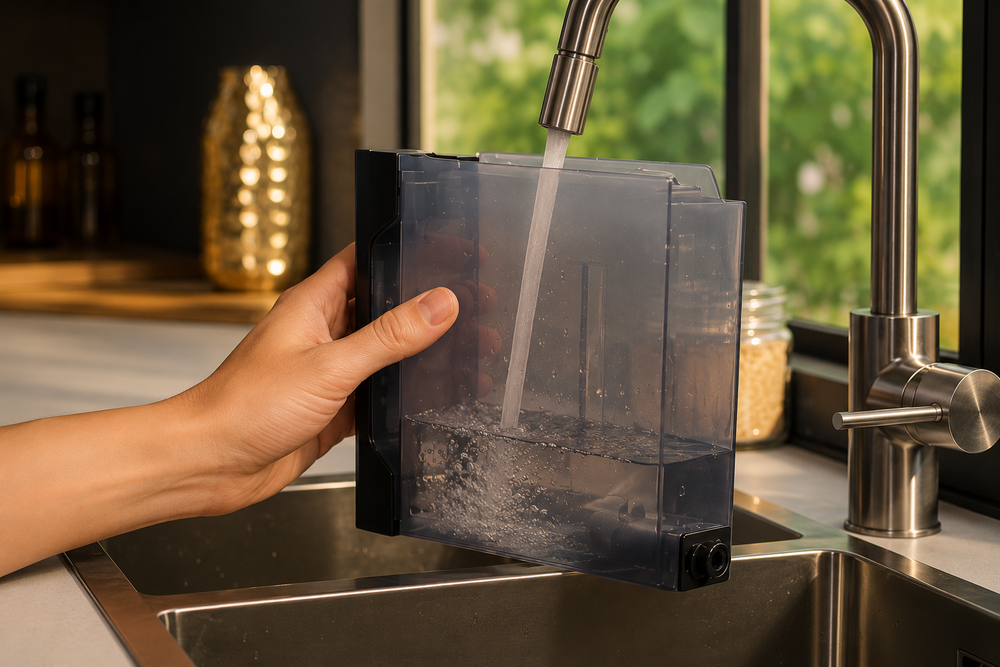
Rinse and refill
Rinse the tank, refill with fresh water and replace the emptied collection container.
07
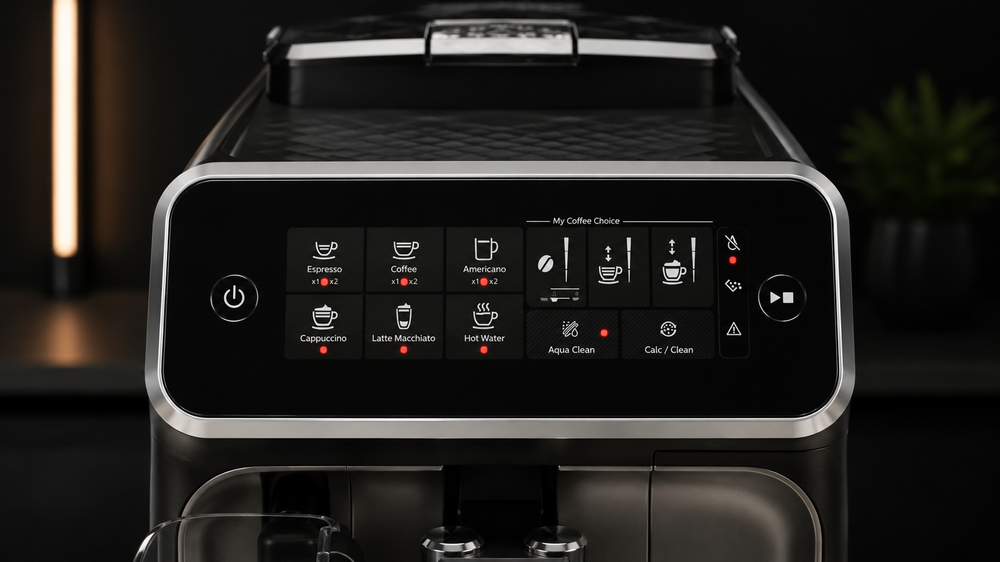
Run the rinse phase
Press Start/Stop again and allow the full fresh-water rinse to finish.
08
Restore filtration
If you use AquaClean, install and activate the required replacement filter after descaling.
Monthly deep clean
Clean coffee oils from the brew-group filter.
On compatible 2200 models, coffee-oil cleaning uses the pre-ground coffee route rather than the display-led Brew group clean programme used on higher Philips series.

COFFEE-OIL CAREUse the pre-ground coffee cleaning procedure.
Prepare the machine
Fill the tank, place a cup under the spout and put one suitable coffee-oil remover tablet in the pre-ground compartment.
Select pre-ground coffee
Select pre-ground coffee and start a coffee cycle.
Pause midway
After roughly half a cup has brewed, stop as instructed and let the cleaning solution work for at least 15 minutes.
Reconnect and rinse
Resume normal operation and let the machine complete its automatic rinse.
Rinse the brew group
Remove the brew group, rinse it thoroughly under fresh water and reinstall it.
Run two water-only cycles
Select pre-ground coffee without adding coffee and run two water-only cycles.
Never put a coffee-oil cleaning tablet in the water tank as a substitute for descaler.
Understand the care task
Relevant Ventori care
Match the product to the maintenance job.
Descaler handles mineral build-up. Bean-to-cup cleaner handles coffee residue. Water filtration sits alongside both.