If the machine still reports the fault after the exact maintenance routine, use manufacturer or engineer support.
Machine guides / Troubleshooting
Coffee machine troubleshooting
Start with what the machine is doing.
Start with the symptom you can see, rule out the routine-care causes, then switch to the exact machine guide when the controls or programme sequence matter.
VENTORI APPROACH
Maintenance first. Repair second.
Ventori can help with user maintenance: cleaning, descaling, filtration, brew-group care and the maintenance programmes built into the machine.
Stop at service work.
If there is a leak, electrical fault, burning smell, damaged wiring, persistent error code or a fault that remains after the correct maintenance procedure, use qualified service support.
Common problems
What are you seeing?
These are maintenance-led checks, not repair instructions. If the problem remains after the correct care procedure, stop repeating the same chemical cycle and move to service support.
DescalingOpen guide →
Descale light or message will not clear
The machine has been descaled, but the warning is still showing.
CleaningOpen guide →
Cleaning light or CLEAN ME warning stays on
A cleaning prompt remains after you have run a cleaning cycle.
Brew groupOpen guide →
Brew group or infuser will not come out
The removable brewing unit feels stuck or will not release.
FiltrationOpen guide →
Water filter will not activate
A new AquaClean or compatible filter is fitted but the machine does not recognise it.
FiltrationOpen guide →
Machine still asks to descale after changing the filter
A filter change has not removed an existing descale warning.
FlowOpen guide →
Coffee flow is slow or restricted
Coffee is taking longer than usual to dispense.
Coffee qualityOpen guide →
Coffee tastes weak, flat or different
The machine is working, but the cup quality has changed.
Milk systemOpen guide →
Steam wand or milk system is blocked
Steam output is weak or milk flow is restricted.
ProgrammeOpen guide →
Cleaning or descale cycle will not start
The machine will not enter the maintenance programme.
Espresso tasteOpen guide →
Espresso tastes bitter or harsh
The espresso has become bitter, harsh, dry or burnt tasting.
Espresso tasteOpen guide →
Espresso tastes sour or sharply acidic
The espresso tastes sharply sour, thin or under-extracted.
Espresso tasteOpen guide →
Espresso tastes weak or watery
The espresso has less body, strength or aroma than expected.
Espresso flowOpen guide →
Espresso is pouring too fast
The espresso runs quickly with little resistance and often tastes thin or sour.
SteamOpen guide →
Steam pressure is low or inconsistent
Steam output is weaker, wetter or less consistent than normal.
TemperatureOpen guide →
Coffee is not hot enough
The drink temperature seems noticeably lower than expected.
NoiseOpen guide →
Coffee machine is louder or making unusual noises
The pump, grinder or brewing mechanism sounds different from normal.
LeaksOpen guide →
Coffee machine is leaking water
Water is appearing somewhere it should not.
No matching maintenance problem found. Try choosing your machine below instead.
01 · Descaling
Descale light or message will not clear
The machine has been descaled, but the warning is still showing.
First maintenance checks
- Make sure the machine completed the full descale programme, including every rinse stage.
- Check whether your model requires a final confirmation or menu step after the rinse.
- If a water filter is fitted, follow the model-specific order for descaling and filter activation.
Next step
Open the exact model guide and compare the descale sequence before repeating anything.
02 · Cleaning
Cleaning light or CLEAN ME warning stays on
A cleaning prompt remains after you have run a cleaning cycle.
First maintenance checks
- Confirm that the machine completed the whole cleaning cycle rather than being stopped part-way through.
- Check that the correct cleaning programme was used for the warning shown.
- On espresso machines, distinguish a cleaning-cycle prompt from a descale prompt before repeating the process.
Next step
Use the machine guide to match the warning to the correct cleaning programme.
03 · Brew group
Brew group or infuser will not come out
The removable brewing unit feels stuck or will not release.
First maintenance checks
- Do not force the unit.
- Let the machine complete a normal power-down so the mechanism can return to its resting position.
- Remove the water tank or service tray only in the order shown for your model.
Next step
Open the model guide for the correct removal sequence before trying again.
04 · Filtration
Water filter will not activate
A new AquaClean or compatible filter is fitted but the machine does not recognise it.
First maintenance checks
- Confirm that the filter is compatible with the exact machine model.
- Prepare or prime the filter exactly as required before fitting it.
- Use the machine menu or button sequence to activate the filter after installation.
Next step
Check the model-specific filter setup. Some machines may ask for descaling before a new filter can be activated.
05 · Filtration
Machine still asks to descale after changing the filter
A filter change has not removed an existing descale warning.
First maintenance checks
- A new filter does not normally erase maintenance that the machine has already requested.
- Check the machine display or manual for the required order of descaling and filter replacement.
- Complete any outstanding maintenance programme before trying to reset or activate the new filter.
Next step
Use the machine guide for both the descale and filter sequence for your model.
06 · Flow
Coffee flow is slow or restricted
Coffee is taking longer than usual to dispense.
First maintenance checks
- Check whether the machine is due for descaling.
- Clean removable brew-path parts and outlets that the manufacturer identifies as user-cleanable.
- If the issue started after a grind adjustment, return to a sensible setting rather than repeatedly forcing finer changes.
Next step
Start with routine cleaning and descaling. If flow remains restricted afterwards, treat it as a service issue rather than repeating chemical cleaning.
07 · Coffee quality
Coffee tastes weak, flat or different
The machine is working, but the cup quality has changed.
First maintenance checks
- Check that the brew group, coffee path and outlets are clean.
- Review whether the machine is due for descaling or a filter change.
- Also check beans, grind and dose settings before assuming the issue is maintenance-related.
Next step
Use the maintenance guide to rule out cleaning, scale and water-care issues first.
08 · Milk system
Steam wand or milk system is blocked
Steam output is weak or milk flow is restricted.
First maintenance checks
- Clean milk-contact parts promptly after use and follow the machine-specific rinse routine.
- Only remove and clean user-serviceable tips, nozzles or milk-system parts shown in the manufacturer instructions.
- Do not insert sharp objects into internal components unless the manufacturer specifically instructs it.
Next step
Open the exact machine guide before dismantling any milk-system parts.
09 · Programme
Cleaning or descale cycle will not start
The machine will not enter the maintenance programme.
First maintenance checks
- Check that the water tank, drip tray and grounds container are correctly fitted where your machine requires them.
- Use the exact button or menu sequence for your model and control-panel version.
- If the machine is showing a different warning, deal with that prompt before trying to start another programme.
Next step
Compare your controls with the model guide — similar-looking machines can use different start sequences.
10 · Espresso taste
Espresso tastes bitter or harsh
The espresso has become bitter, harsh, dry or burnt tasting.
First maintenance checks
- If the shot is running slowly and tastes dry, move the grind slightly coarser or shorten the beverage yield while changing only one variable at a time.
- Inspect the group head, shower area and brew path for stale coffee oils if the recipe has not changed.
- If brew temperature is adjustable, compare against the previous setting and use fresh coffee before blaming the machine.
Next step
If the recipe and coffee are sound, use the exact machine cleaning guide to rule out coffee-oil build-up before investigating a hardware fault.
11 · Espresso taste
Espresso tastes sour or sharply acidic
The espresso tastes sharply sour, thin or under-extracted.
First maintenance checks
- If the shot runs unusually fast, move slightly finer or return the dose to the basket’s intended range.
- Keep dose consistent and reduce channeling with even distribution and a level tamp.
- Check that the machine is fully warmed and that any adjustable brew temperature has not been lowered unexpectedly.
Next step
Stabilise the recipe first. If water flow, temperature or other machine performance has also changed, then use the exact maintenance guide.
12 · Espresso taste
Espresso tastes weak or watery
The espresso has less body, strength or aroma than expected.
First maintenance checks
- Weigh the dry dose and beverage yield to make sure the drink has not simply become too diluted.
- If the shot is also running fast, move the grind slightly finer while keeping dose and yield consistent.
- Use fresh coffee and check for channeling before treating cleaning or scale as the primary cause.
Next step
If weak coffee appears alongside lower flow, lower temperature or weaker steam, move into the machine-specific maintenance checks.
13 · Espresso flow
Espresso is pouring too fast
The espresso runs quickly with little resistance and often tastes thin or sour.
First maintenance checks
- Move the grind slightly finer if the shot became fast after a grinder adjustment.
- Check that the basket is receiving a suitable, repeatable dose.
- Distribute the grounds evenly and tamp level so water does not find an easy channel through the puck.
Next step
If espresso remains fast despite a sensible recipe, compare the exact basket, grinder and machine guidance before assuming a mechanical problem.
14 · Steam
Steam pressure is low or inconsistent
Steam output is weaker, wetter or less consistent than normal.
First maintenance checks
- Purge the steam wand and clean user-serviceable steam-tip holes using the exact machine method.
- Allow the machine to reach its proper steaming temperature and compare performance again.
- Check whether hot-water or brew flow is also weaker; a broader water-system restriction makes scale more plausible.
Next step
If a clean steam tip and correct warm-up do not restore performance, use the exact machine guide and move to service if the restriction remains.
15 · Temperature
Coffee is not hot enough
The drink temperature seems noticeably lower than expected.
First maintenance checks
- Pre-warm the cup and compare a drink without a large amount of cold milk.
- Let the machine complete its warm-up or start-up rinse and compare the first drink with the next one.
- Check any user-adjustable temperature setting before investigating scale or hardware.
Next step
If temperature remains lower after the simple heat-loss checks and other water-system symptoms have changed, use the model-specific maintenance guide.
16 · Noise
Coffee machine is louder or making unusual noises
The pump, grinder or brewing mechanism sounds different from normal.
First maintenance checks
- Work out whether the changed sound happens during grinding, water pumping, brewing, milk steaming or an automatic rinse.
- Check that the water tank is full and correctly seated and that accessible trays, hoppers and brew parts are installed securely.
- If flow has also reduced, check routine cleaning, filter condition and whether the machine is genuinely due for descaling.
Next step
If the machine still sounds abnormal after basic seating, water and maintenance checks, treat the change as a service symptom rather than repeatedly cleaning it.
17 · Leaks
Coffee machine is leaking water
Water is appearing somewhere it should not.
First maintenance checks
- Reseat the water tank and check for obvious cracks, overfilling or debris around its accessible outlet seal.
- Empty the drip tray and confirm whether normal rinse water is simply overflowing.
- On espresso machines, check whether water is escaping around the portafilter rather than from inside the chassis.
Next step
If the source is internal, electrical, persistent or not a normal user-serviceable seal or tank issue, stop using the machine and move to qualified service.
Match the problem to the machine
Now open the exact machine guide.
The same warning can mean a different button sequence on different machines. Use the manufacturer and model guide before repeating a cleaning or descale programme.
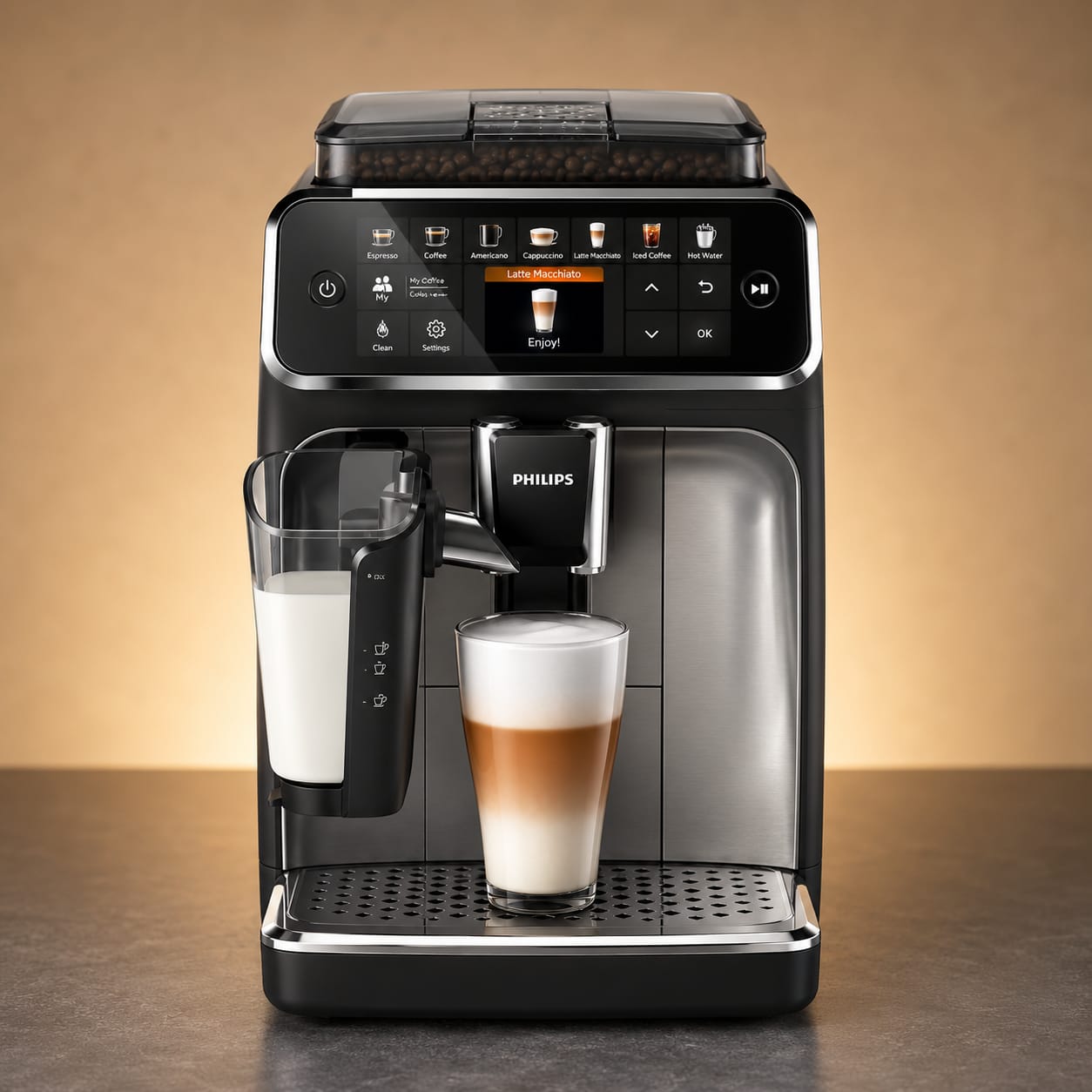
Machine guides
Philips
2200, 3200, 4300 and 5400 bean-to-cup guidance.
Open Philips guides →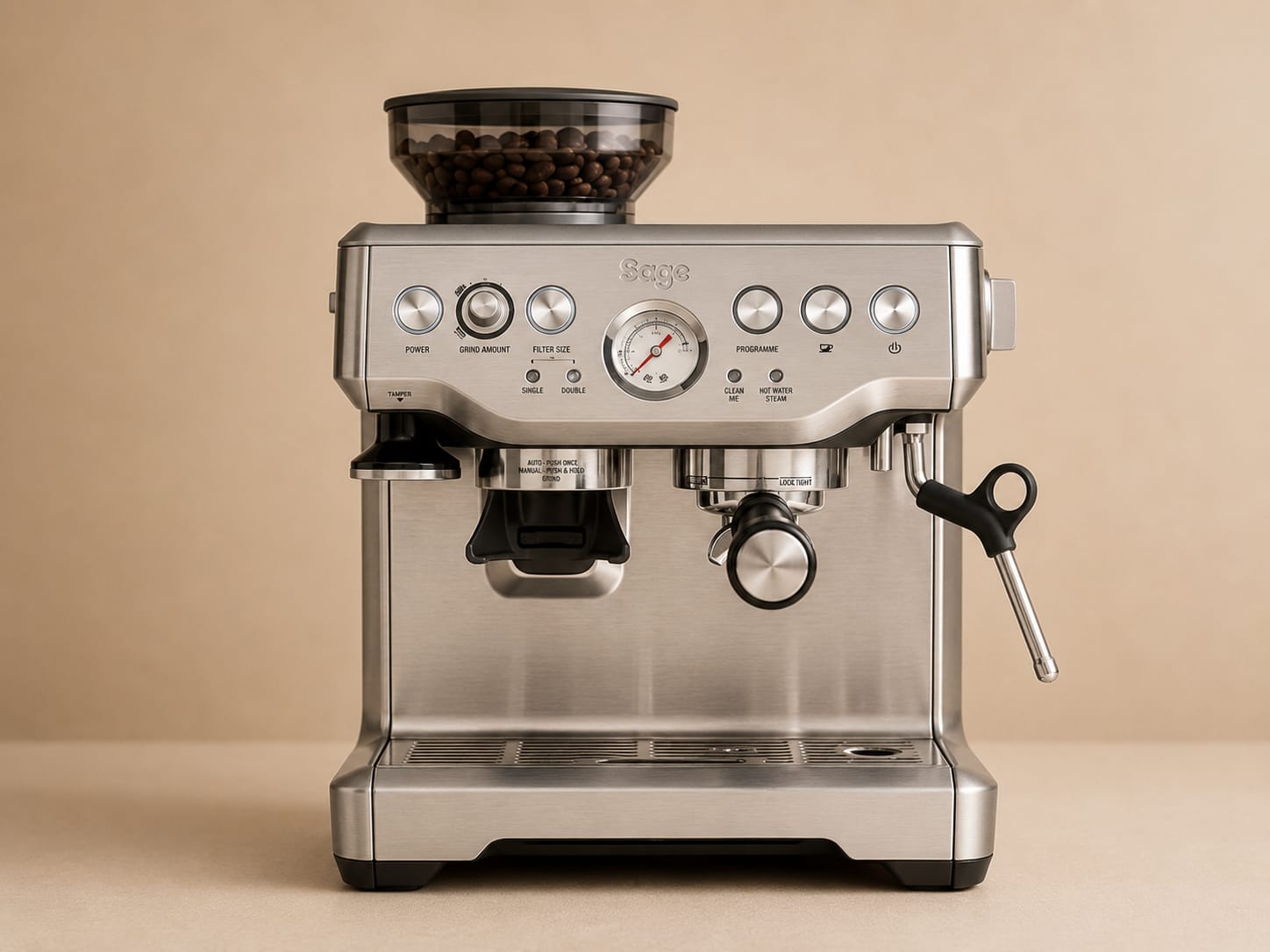
Machine guides
Sage
Espresso cleaning, backflush, descale and filter guidance.
Open Sage guides →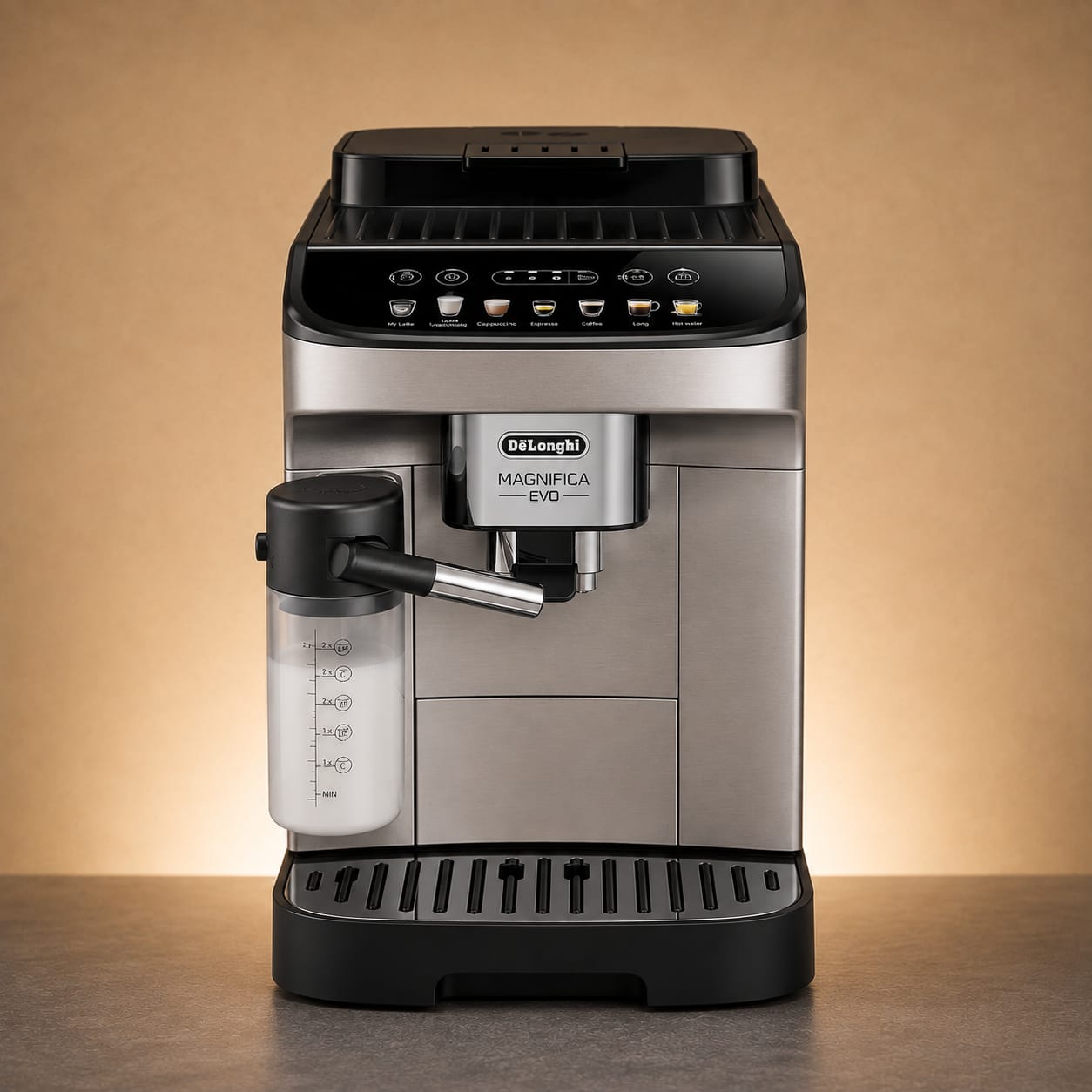
Machine guides
De'Longhi
Magnifica, Dinamica and other bean-to-cup care guidance.
Open De'Longhi guides →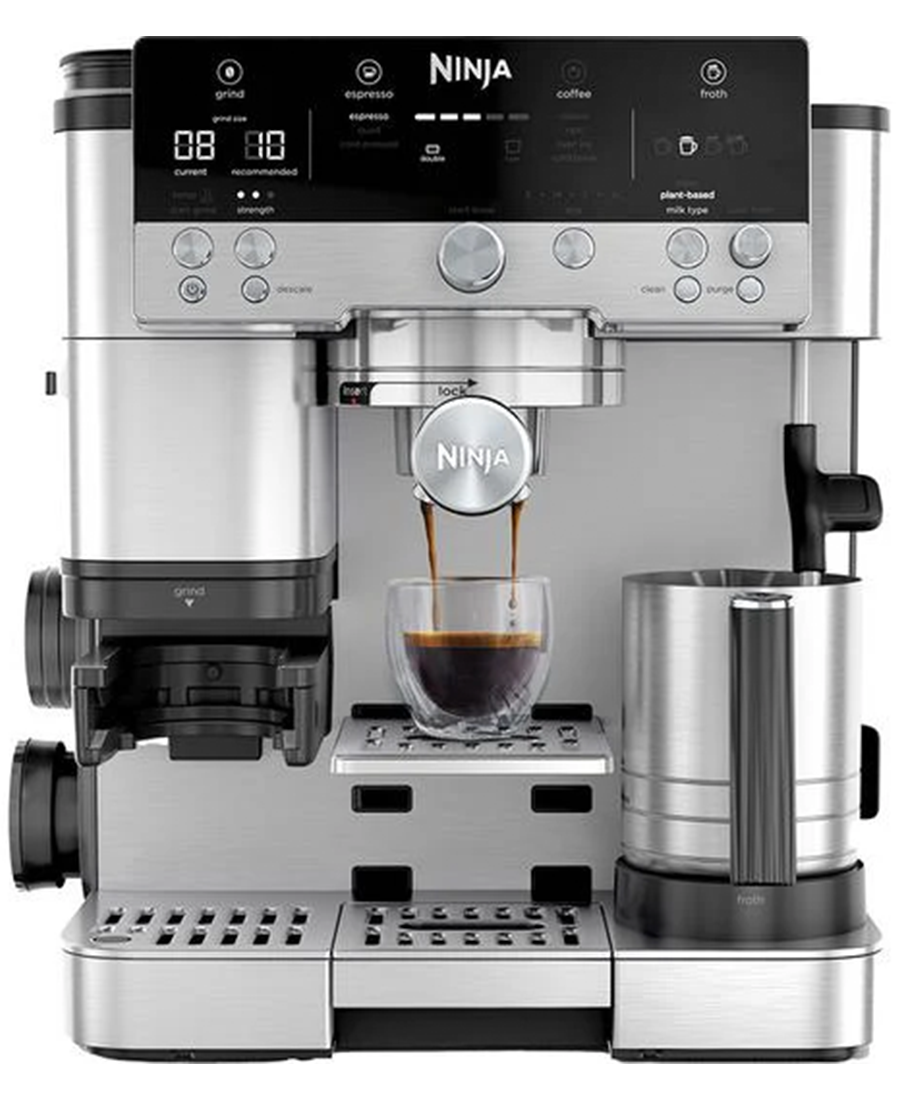
Machine guides
Ninja
Luxe Café Premier, Premier Plus and Pro cleaning, descaling and milk-system guidance.
Open Ninja guides →Machine guides
Nespresso
Original and Vertuo cleaning, rinsing, descaling and model-specific maintenance guidance.
Open Nespresso guides →Machine guides
JURA
E, J, Z, S, ENA and GIGA cleaning, CLARIS and maintenance guidance.
Open JURA guides →Machine guides
Siemens
EQ900, EQ700, EQ500, EQ6 and EQ300 service-programme guidance.
Open Siemens guides →Machine guides
Gaggia
Classic backflush, descale, group-head and steam-system guidance.
Open Gaggia guides →Machine guides
Rancilio
Silvia and Silvia Pro X group cleaning and water-care guidance.
Open Rancilio guides →Machine guides
Rocket
Appartamento, FAST and R58 group, water and maintenance guidance.
Open Rocket guides →Machine guides
LELIT
Bianca, MaraX, Elizabeth and compact LELIT group, steam and water-care guidance.
Open LELIT guides →When maintenance is not the answer
Know when to stop troubleshooting.
Switch the machine off and stop using it if there is water where it should not be, electrical damage, unusual heat or a burning smell.
Do not force brew groups, doors, valves or internal parts. A mechanism that will not move after the normal shutdown/reset sequence needs proper inspection.
VENTORI CARE
Prefer to stay ahead of the warning lights?
Build a free Care Schedule around your machine, water hardness and typical use.