Do not assume a physically installed filter is automatically active in the machine settings.
Machine guides / Troubleshooting / Filtration
Filtration troubleshooting
Water filter will not activate
Filter installation has two parts on many machines: preparing and fitting the filter, then telling the machine that the new filter is installed.
THE PROBLEMA new AquaClean or compatible filter is fitted but the machine does not recognise it.
Ventori only covers checks that sit within normal user maintenance. If the symptom remains after the correct routine, move to manufacturer or engineer support rather than repeatedly running cleaning products.
First maintenance checks
Rule out the simple causes first.
Work through these in order before repeating a maintenance programme.
Progress0 of 3 checks completed
CHECKS COMPLETE
Recommended next step
Check the model-specific filter setup. Some machines may ask for descaling before a new filter can be activated.
Avoid making it worse
What not to do.
Do not force a filter into a tank connection that does not match.
Do not skip an outstanding descale requirement if the machine asks for it first.
Use the exact machine guide
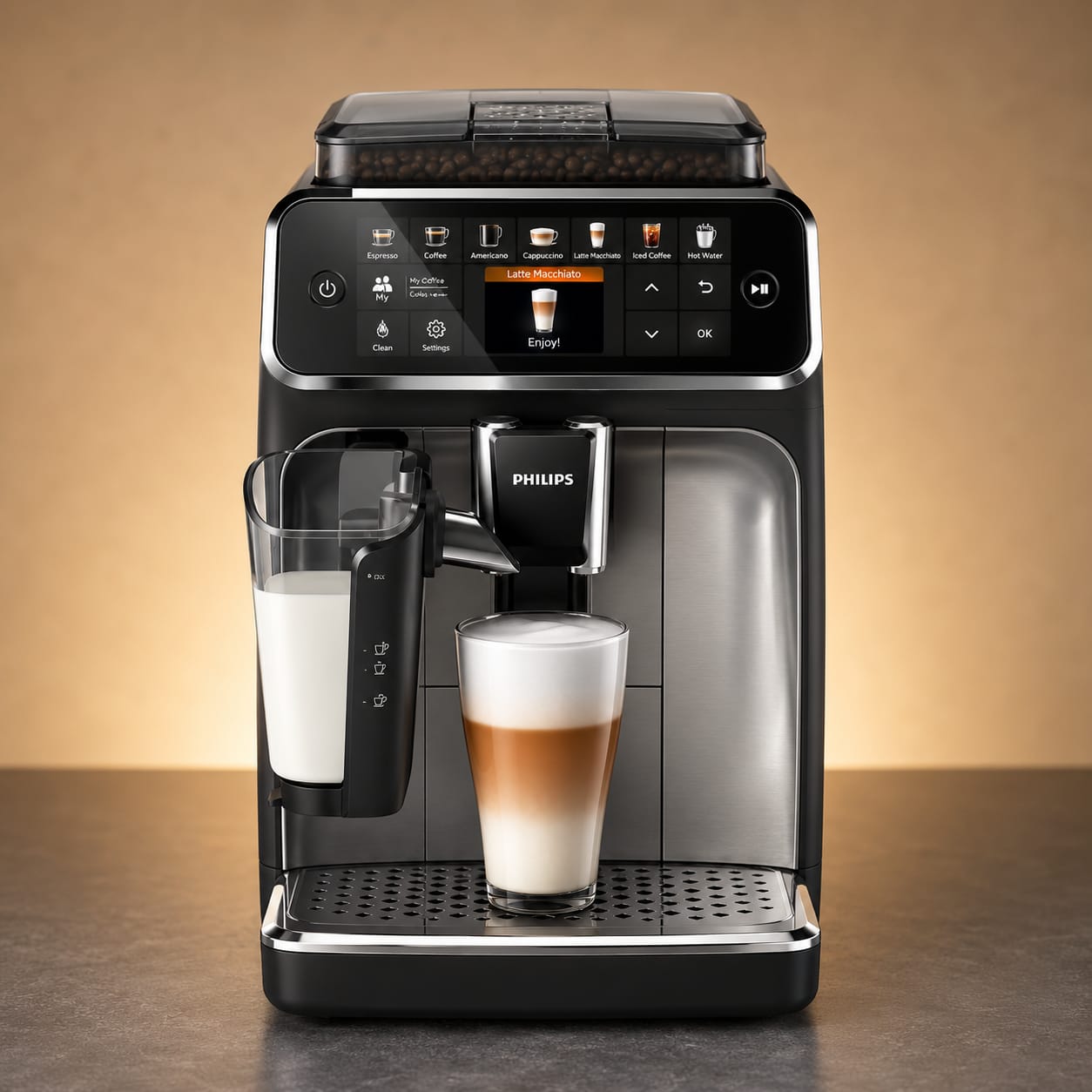
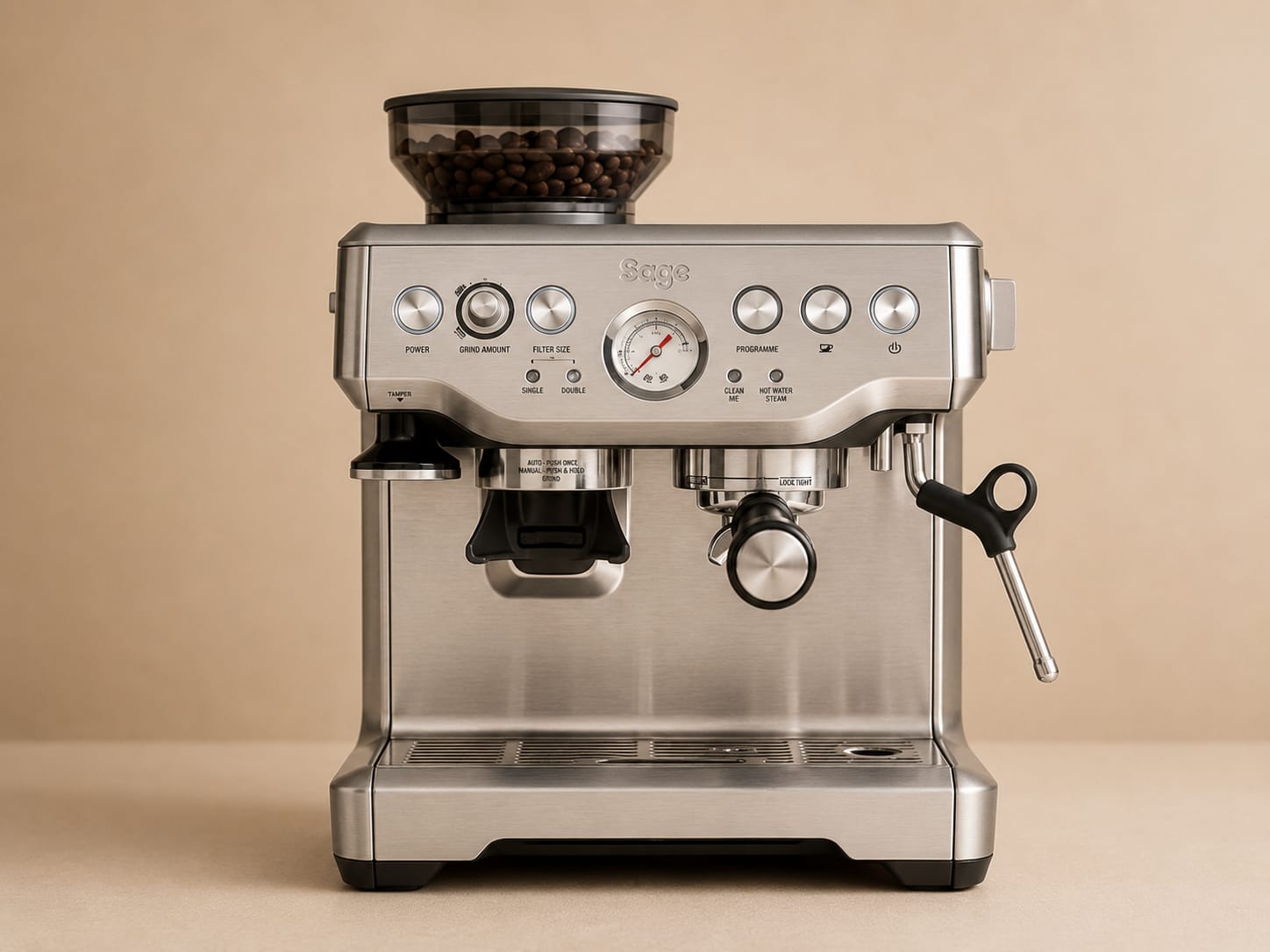
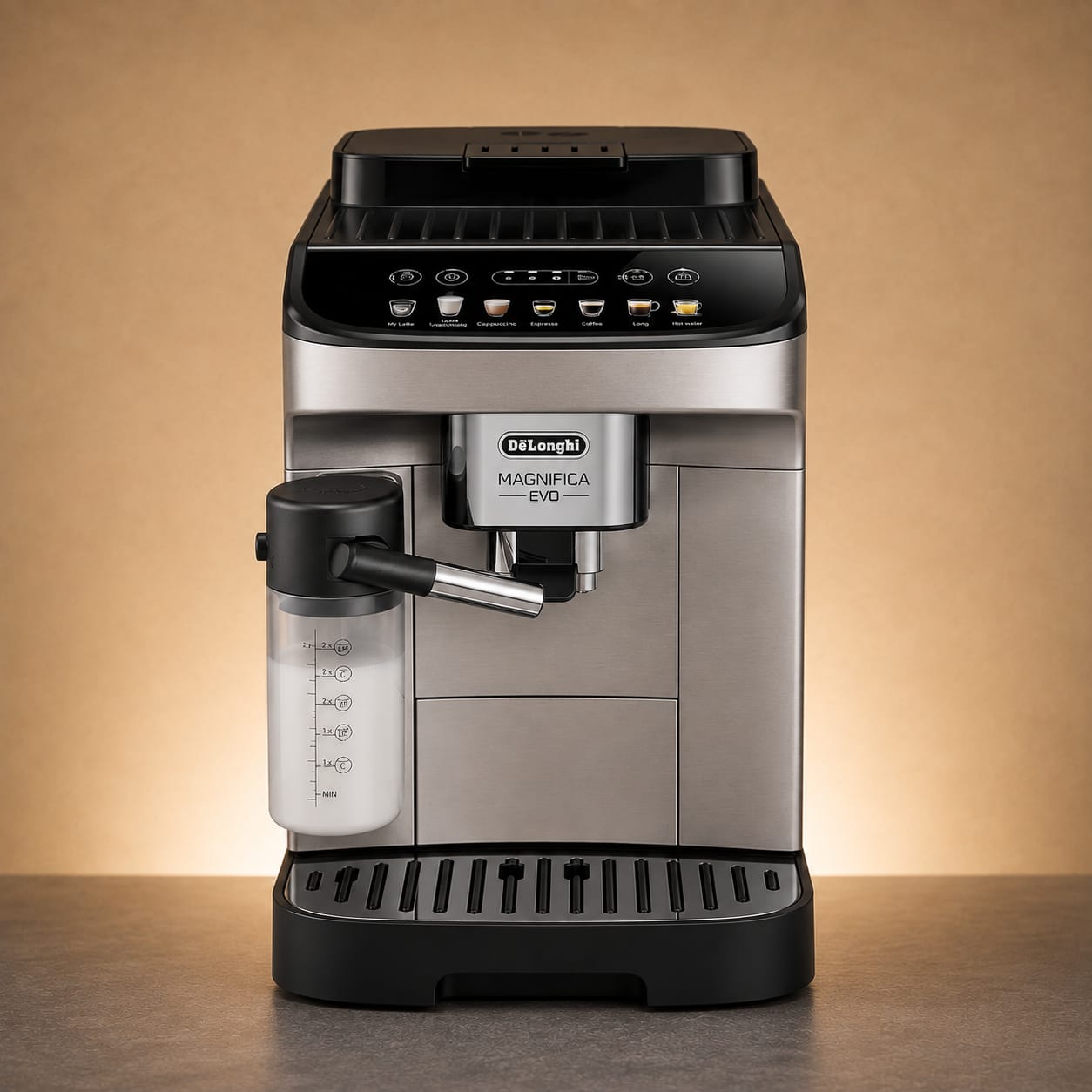
Now match the problem to your machine.
Similar-looking machines can use different buttons, menus and maintenance sequences.
When maintenance is not the answer
Stop if the problem remains after the correct routine.
Move to manufacturer or qualified service support for persistent error codes, leaks, electrical symptoms, burning smells, damaged parts or mechanisms that remain jammed after the normal shutdown and maintenance sequence.
Back to all troubleshooting →VENTORI CARE · ANDROID
Get Ventori Care ↗Don’t want to remember this next time?
For supported machines, Ventori Care can keep routine maintenance visible, record completed care and remind you before the next job is forgotten.
VENTORI CARE SCHEDULE
Build my Care SchedulePrefer to stay ahead of the warning?
Build a free maintenance schedule around your machine, local water and typical use.