
Group & steam hygiene
Rinse the basket, wipe/purge the steam wand and use the machine’s clear-water backflush routine.
Sage Oracle
The Oracle combines a dual-boiler espresso system with an integrated grinder and automatic grind/dose/tamp, so its recurring care spans the group, boilers, grinder, steam system and water filter.
Maintenance schedule
Use the machine’s own prompt sooner whenever it asks for maintenance. Water hardness and usage can also change the practical timing.
Keep this maintenance schedule, reminders, history and available guides with the machine instead of remembering the next job yourself.
Rinse the basket, wipe/purge the steam wand and use the machine’s clear-water backflush routine.
Run CLEAN CYCLE with the cleaning disc and tablet.
Replace the correct filter for the Oracle production batch.
Use the dESC menu and exact boiler-drain procedure; allow the machine to cool fully first.
Dry-clean burrs, grind outlet and tamping area.
Your machine is already selected. Add local water hardness and typical use without choosing the manufacturer or model again.
Coffee-oil cleaning
The Oracle uses a dedicated tablet cleaning programme plus a clear-water backflush routine between detergent cycles.
Use the Sage cleaning disc or insert supplied for your machine.
Place the tablet in the cleaning disc or basket exactly as the machine procedure shows.
Use the machine prompt, touchscreen menu or model-specific button sequence.
Do not interrupt the pressure and rinse stages once the programme is running.
Remove and rinse the portafilter, basket and cleaning disc before making coffee again.
Dual-boiler scale care
The Oracle descale procedure requires a long cool-down and manual draining of both boilers. Follow the exact model sequence rather than a generic descale.
Switch the Oracle off and allow it to cool before opening the descale access area.
Use the Oracle controls to select its dedicated descale mode.
Open the descale access valves in the sequence shown by Sage and manage residual hot water carefully.
Use the programme to fill and soak the boilers with the correctly prepared solution.
Complete all drain, refill and fresh-water flush stages before returning to normal use.
Water care
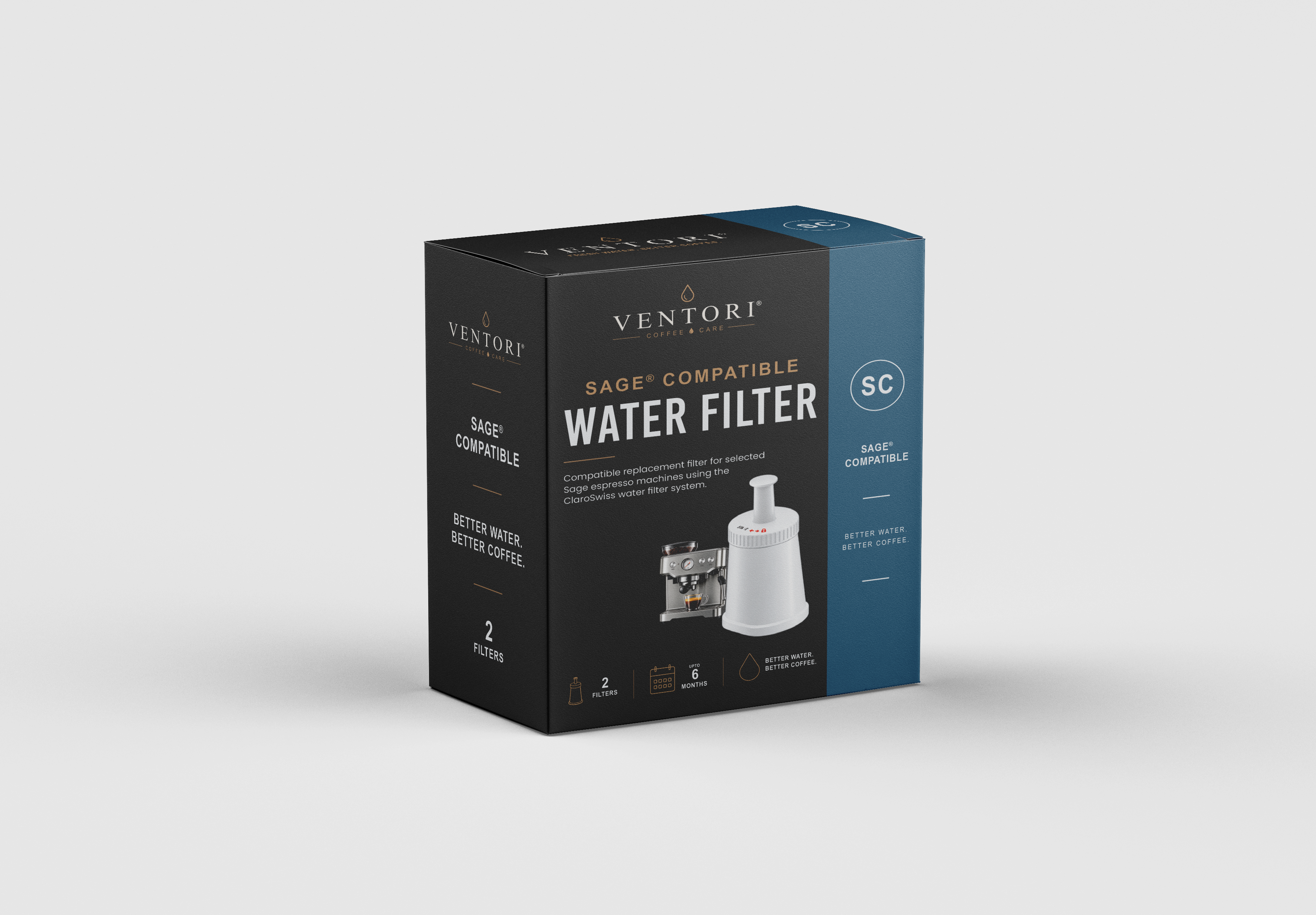
Sage lists a batch-code cut-off for current ClaroSwiss compatibility on the Oracle.
Older Dual Boiler and Oracle production runs can use a different filter arrangement, so check the batch/holder before ordering.
Prepare the current ClaroSwiss cartridge using the filter instructions before fitting it.
Install the prepared cartridge into the holder and lock the holder into the water tank.
Use the machine reminder or installation date so the next change is not missed.
Milk hygiene
Automatic steam control does not remove dried milk from the wand exterior or blocked tip holes.
Run a short purge before texturing milk.
Wipe the wand with a clean damp cloth while milk residue is still soft.
Where the machine has automatic purging, return the wand to its normal position and let the purge finish.
Use the supplied cleaning tool or the exact Sage cleaning method if the steam holes become restricted.
Dry coffee care
The grinder and tamping mechanism should be cleaned dry.
Remove beans before deeper grinder cleaning.
Brush away loose grounds and stale coffee; do not introduce water into the grinder.
Clear dry coffee residue from the grind chute or dosing area using the supplied brush.
Refit all removable grinder parts securely before adding beans.
Use the exact model guidance if your controls or prompts differ from this guide.
Relevant Ventori care
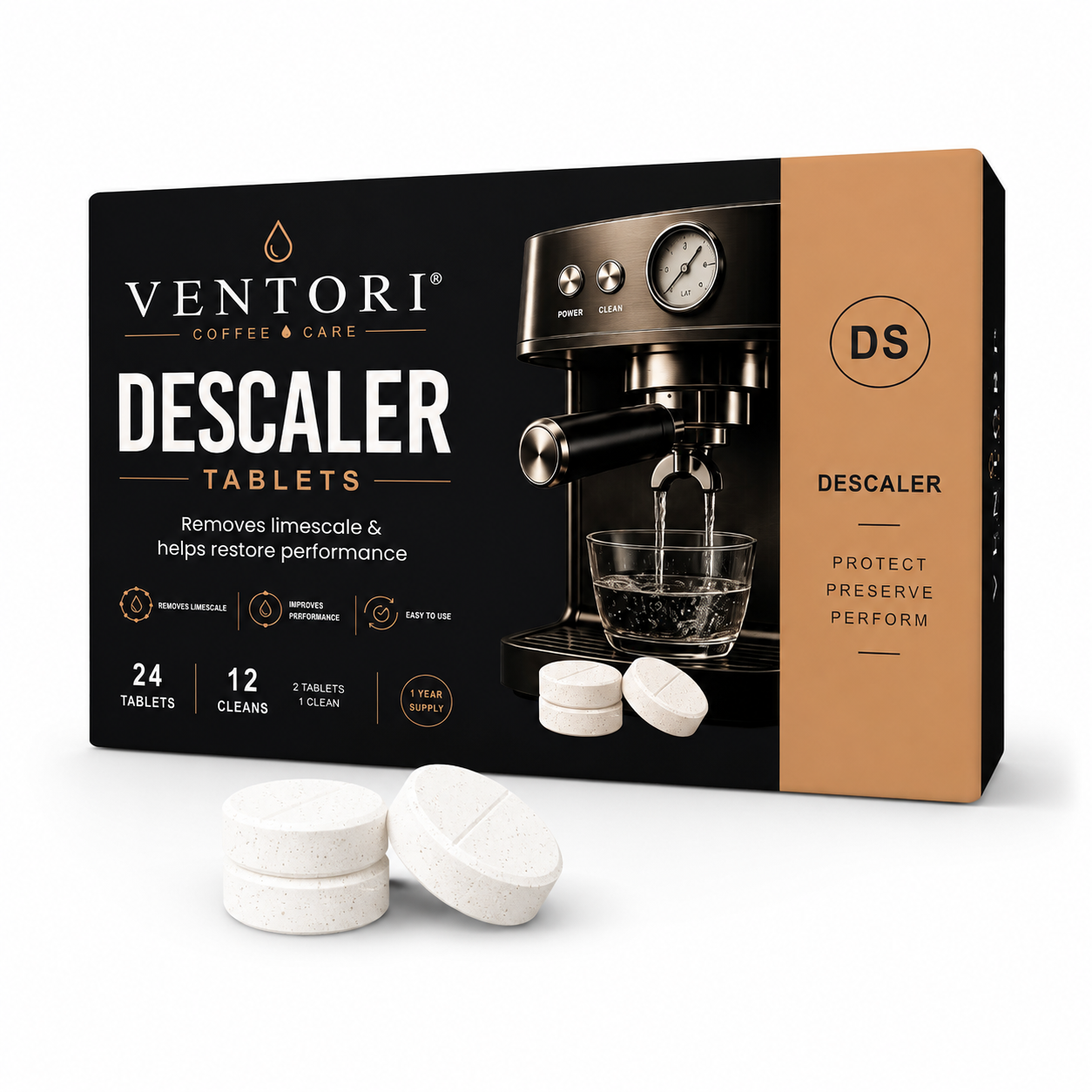
Use backflush cleaner for the Oracle CLEAN CYCLE and descaler only through the Oracle dESC boiler procedure.