
Basket & portafilter
Remove coffee residue and hand-wash the basket and portafilter.
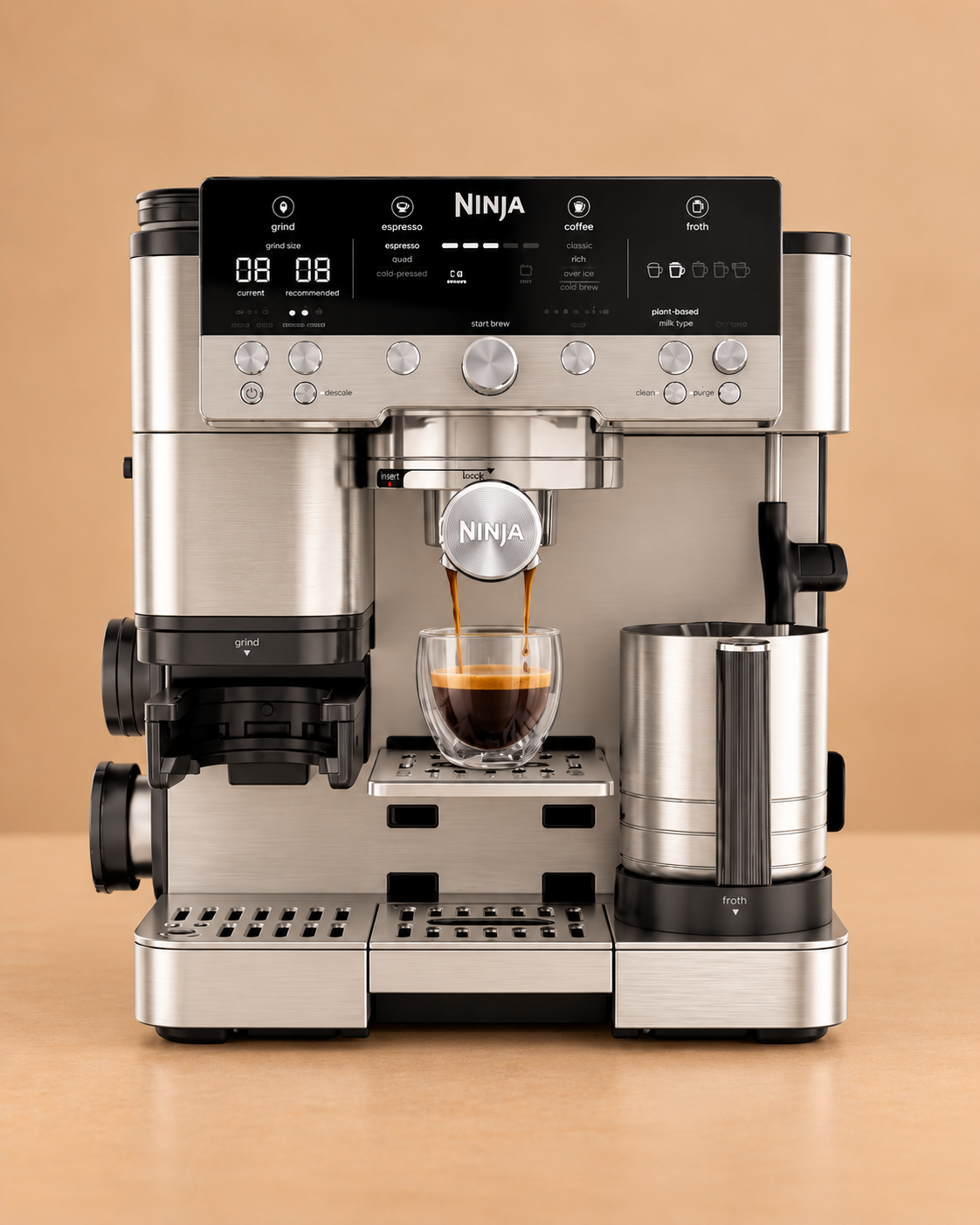
Ninja Luxe Café Premier
The Luxe Café Premier has two distinct maintenance programmes: a short CLEAN cycle for coffee oils around the group head and a much longer DESCALE cycle for mineral build-up in the water circuit.
Maintenance schedule
Use the machine’s own prompt sooner whenever it asks for maintenance. Water hardness and usage can also change the practical timing.
Keep this maintenance schedule, reminders, history and available guides with the machine instead of remembering the next job yourself.
Remove coffee residue and hand-wash the basket and portafilter.
Wipe the steam wand while it is still easy to clean and allow the machine purge routine to finish.
Run the cleaning-disc and tablet programme. Ninja states this takes about 6 minutes.
Run the full descale programme and complete the fresh-water flushes. Ninja states the cycle takes about 90 minutes.
Replace the fitted filter according to its instructions and remove it before descaling when the machine instructions require it.
Keep accessible dry coffee residue out of the grinder area and empty the drip tray before maintenance cycles.
Your machine is already selected. Add local water hardness and typical use without choosing the manufacturer or model again.
Coffee-oil cleaning
Ninja describes this as a backflushing process for the shower screen and group head. It uses the double basket, cleaning disc and one cleaning tablet.
The CLEAN cycle discharges water into the drip tray, so empty it first to reduce the risk of overflow.
Fill the reservoir with fresh water up to, but not above, the MAX line.
Insert the double basket into the portafilter.
Place the cleaning disc on top of the basket with its handle facing upwards.
Place one espresso cleaning tablet in the centre of the cleaning disc.
Fasten the portafilter securely into the group head.
Press CLEAN, then press the centre dial to start the programmed cycle.
Allow the approximately 6-minute programme to finish without interruption.
Carefully remove the portafilter and drip tray and hand-wash the removable parts.
If cleaning tablet remains on the disc after the cycle, repeat the manufacturer cleaning-cycle instructions before returning to normal use.
Mineral scale care
Descaling treats limescale in the water path and is separate from the cleaning-tablet programme.
Start with the main drip tray empty because part of the descale output is collected there.
Take out the fitted water filter before descaling where instructed for your Luxe Café series.
Prepare coffee-machine descaler and water using the dosing and fill level specified for the product and exact Ninja model.
Position a large container beneath the portafilter and place the milk jug so the steam wand can discharge safely during the programme.
Press DESCALE, then press the centre dial to start the programmed cycle.
Allow the approximately 90-minute descale cycle to complete without interruption.
Empty and wash the portafilter, drip tray and milk jug to remove any descale residue.
Rinse the water reservoir and refill it with fresh water to the normal maximum level.
Run the manufacturer fresh-water brew flush through the group head.
With the milk jug removed, run the PURGE function to flush the steam path.
Incoming water care
Filtration helps manage incoming water but does not cancel a DESCALE warning that is already due.
Open the water reservoir and remove the used filter insert from its housing.
Prime the replacement water filter exactly as its instructions require.
Install the prepared filter securely without forcing the connection.
Record the change so the filter is not left in service indefinitely.
After milk use
The wand purges internally, but milk residue still needs to be removed promptly from user-cleanable surfaces.
Take the jug away once frothing has finished.
Wipe milk residue from the steam wand with a clean damp cloth while residue is still easy to remove.
Let the machine complete its purge routine so the inside of the wand is flushed.
Wash the jug and removable whisk or milk-contact parts according to the Ninja instructions.
Dry coffee care
Dry coffee residue around the hopper and grinder should be removed without introducing water into the grinding mechanism.
Remove or store beans before opening user-accessible grinder parts.
Use the supplied cleaning brush on accessible dry coffee residue.
Do not wash internal grinder mechanisms unless the manufacturer specifically marks a part as washable.
Refit user-removable parts securely before adding beans and returning to normal use.
The Luxe Café CLEAN and DESCALE programmes are separate jobs. Use the ES601UK instructions if the control panel, filter setup or fill levels differ from this guide.
Relevant Ventori care
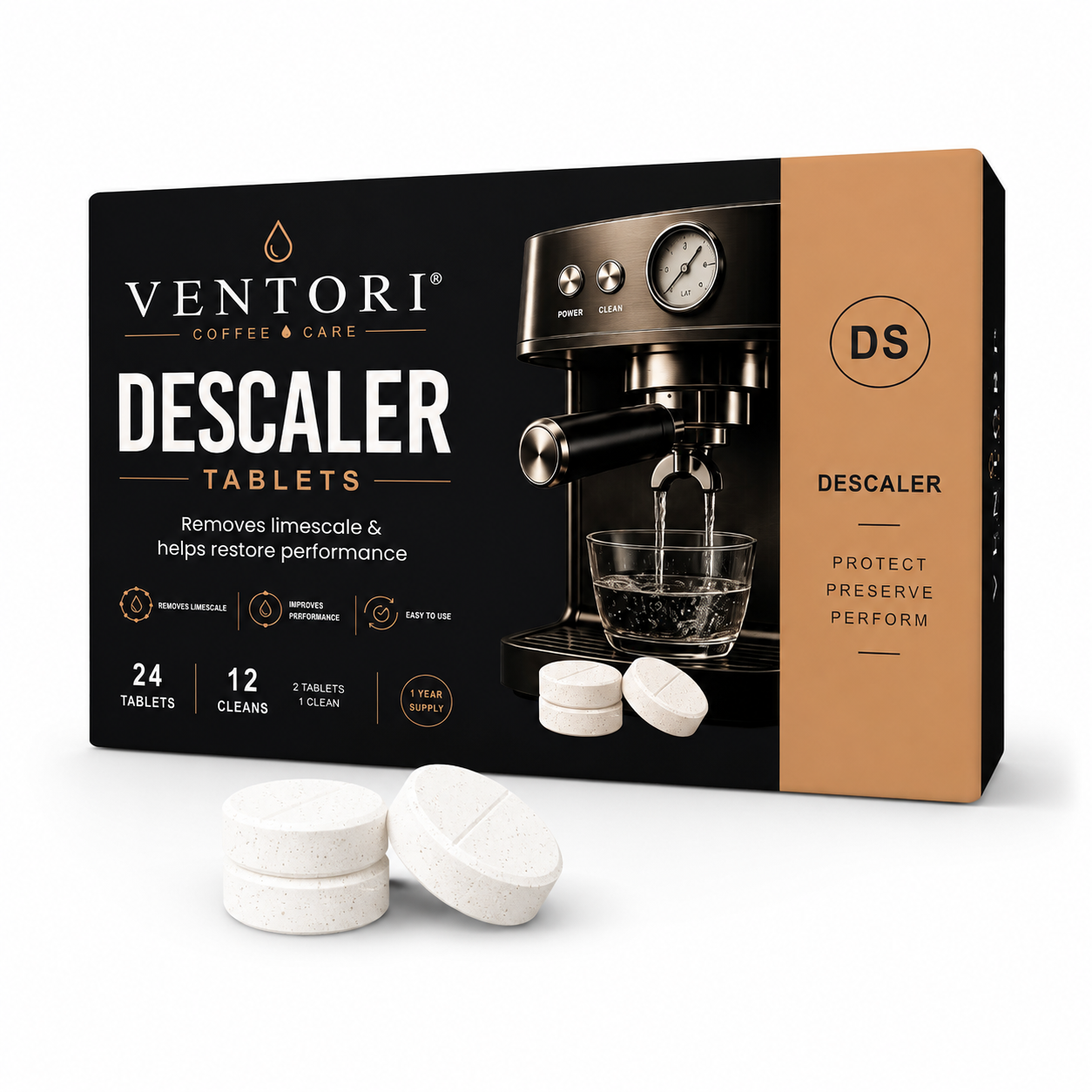
Ninja specifies a cleaning disc and espresso cleaning tablet for the CLEAN cycle. Ventori Backflush is the coffee-oil cleaning product for that job; Ventori Descaler is for the separate DESCALE programme.